Centrend

ERP Consulting

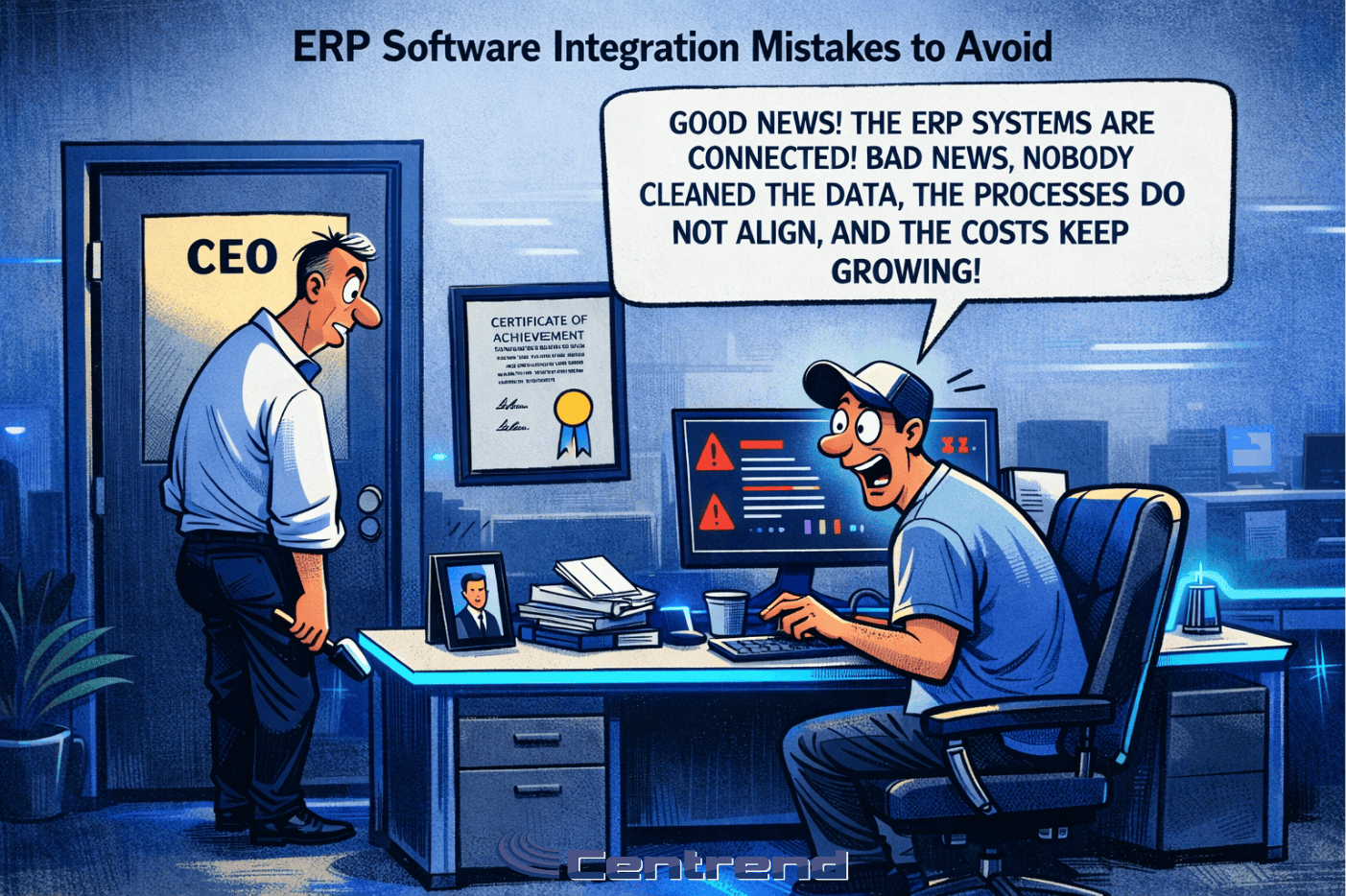
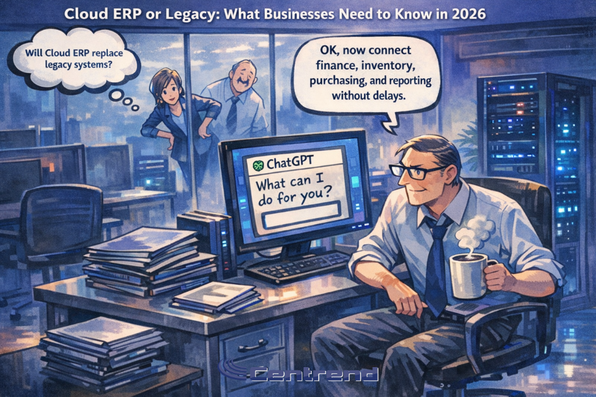
Cloud ERP or Legacy. Illustrated modern IT office with Paul Laflamme holding coffee beside a ChatGPT screen, representing cloud ERP vs legacy ERP in 2026.

Cloud ERP or Legacy: What Businesses Need to Know in 2026

Cloud ERP or Legacy Your ERP might still be running. Team may still be using it every day.Reports may still come through.Operations may still move forward. But in 2026, that is no longer enough. The real question is not whether your ERP still works.The real question is whether it is helping your business move faster, make better decisions, and grow without friction. For many companies, legacy ERP feels familiar. Safe. Proven.But behind that comfort, old systems often create delays, extra cost, limited flexibility, and daily workarounds that slowly wear teams down. Cloud ERP is changing that. It gives businesses a more modern way to run finance, operations, inventory, purchasing, and reporting with better speed, visibility, and room to adapt. Why this matters now Business is moving faster than it used to. In 2026, companies are under pressure to: That pressure exposes the weakness of older ERP systems very quickly. A legacy ERP may still support your business.But it can also quietly slow it down in places that matter most. What legacy ERP often looks like today Legacy ERP is usually not a disaster all at once. It becomes a problem in smaller ways first: At first, these issues can seem manageable. But over time, they create something bigger: This is where many businesses get stuck.They are not fully broken, so they delay change.But they are not truly moving well either. Why cloud ERP is getting more attention Cloud ERP stands out because it is built for change. Instead of forcing businesses to keep adjusting to an older system, it gives them a system that is easier to update, easier to connect, and easier to scale. That usually means: This is why more businesses are looking closely at cloud ERP now. They do not just want software that records activity.They want software that helps the business respond faster and operate smarter. Cloud ERP vs Legacy ERP: the real difference Here is the simplest way to look at it: Legacy ERP Cloud ERP Legacy ERP helps you keep things running. Cloud ERP helps you keep improving. That is the real divide in 2026. The hidden cost of staying with legacy ERP The biggest risk with legacy ERP is not always failure. It is delay. Delay in reporting.Setback in visibility.Setback in change.Stalled in growth. When a business has to work around its own system, the cost shows up everywhere: That cost can stay hidden because it builds quietly. A company may think the system is saving money because it already exists.But in reality, it may be costing the business more every month in inefficiency, complexity, and lost momentum. What businesses should ask in 2026 Before staying with a legacy ERP just because it feels familiar, businesses should ask: These questions matter because ERP is not just a back-office system anymore. It shapes how well a business can act, adapt, and compete. When legacy ERP becomes a warning sign A legacy ERP may be holding your business back if: These are not small signs. They often point to a bigger issue:the business has outgrown the system, even if the system has not fully failed yet. Why cloud ERP is a stronger long-term move Cloud ERP is not just about being newer. It is about being more ready for what business needs now. That includes: For businesses that want to grow without carrying the weight of outdated processes, cloud ERP is often the stronger direction. Not because it is trendy.Because it removes friction that older systems keep creating. Bottom line A legacy ERP may feel stable.A cloud ERP is built to move with the business. That matters in 2026. Because today, the companies that stay competitive are not just the ones that keep operating.They are the ones that can adjust faster, see clearer, and scale with less resistance. If your ERP is creating extra work, slowing visibility, or making change harder, that is not just an IT issue. That is a business issue. Final thought Holding onto a legacy ERP can feel like the easier choice. But when the system starts costing time, flexibility, and momentum, staying the same stops being the safe option. In 2026, businesses do not just need ERP that works. They need ERP that works for where they are going. Book a Cloud ERP Strategy Call

Cloud ERP or Legacy: What Businesses Need to Know in 2026 Read More »

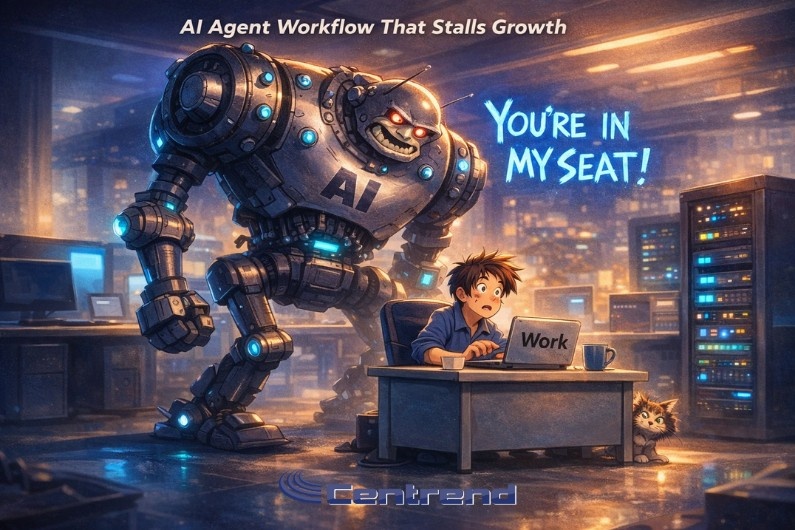
AI Agent workflow scene showing a giant AI robot looming over a surprised office worker at a desk, with the text “You’re in my seat!” and a warning theme about stalled growth.

AI Agent Workflow That Stalls Growth

AI Agent Workflow Most teams do not lose momentum because of bad ideas.They lose momentum in the handoff between one AI step and the next. A lead comes in.One agent qualifies it.Outreach drafting comes next.Urgency scoring follows.CRM updates close the loop. Everything looks fast on paper.But one missing rule, one unclear trigger, or one skipped check can freeze the whole chain. Not with an error that screams.With silence. That is where teams are testing agentic AI workflows right now:not only for speed, but for control, trust, and decision flow. What teams are testing now 1) Clear decision lanes per agent Teams are assigning each agent a very narrow role: When one agent tries to do too much, outputs become mixed and hard to trust.Focused roles create cleaner handoffs and faster decisions. 2) Guardrail checks between every handoff Instead of checking only at the end, teams are placing small checks in the middle: These micro-checks prevent bad outputs from moving downstream. 3) Confidence-based routing If confidence is high, the workflow continues.If confidence is low, it routes to a person. This keeps work moving without forcing humans into every step. 4) Fallback logic for edge cases Strong teams are planning for exceptions: Without fallback rules, one edge case can hold up ten clean tasks behind it. 5) Audit-friendly logs Teams want to answer one question fast:“Why did the AI choose this?” They are logging: That makes reviews faster and cuts repeat mistakes. Where small guardrail gaps block decisions Small gaps rarely look dangerous in isolation.But in multi-agent flow, they stack. A weak prompt instruction becomes a wrong category.A wrong category becomes a wrong priority.A wrong priority delays a critical follow-up.The delay becomes lost revenue or missed timing. By the time someone sees the impact, the root cause is hidden three steps earlier. That is why leading teams are not only asking,“Can this workflow run?”They are asking,“Can this workflow stay reliable under pressure?” A practical structure teams are using Use this sequence to keep decisions fast and safe: This structure keeps speed without losing judgment. What this means for teams now The next advantage is not just “using AI agents.”It is building decision-safe agent workflows. Fast is easy to demo.Reliable is what scales. AI Agent Workflow is when teams close small guardrail gaps early, they stop invisible delays before they spread.Decisions move with more clarity.People trust the system sooner.And execution becomes consistent, not chaotic. One weak handoff can stall the whole pipeline. Let’s fix it. Book a Call!

AI Agent Workflow That Stalls Growth Read More »

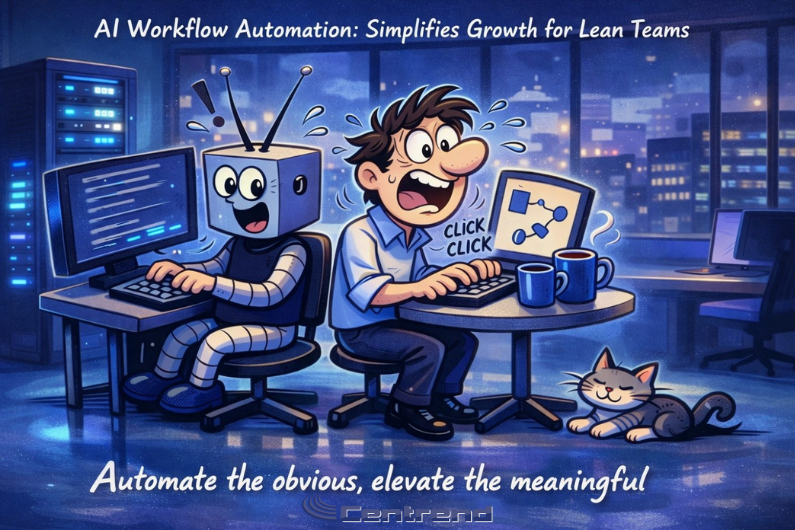
AI Workflow automation illustration showing a robot and a human working side by side in a blue-lit digital office, with glowing screens, server racks, and a resting cat, highlighting fast task execution and team support.

AI Workflow Automation Simplifies Growth for Lean Teams

AI workflow automation, lean teams do not fail because they lack ideas.They fail because too much time goes to repetitive work, slow approvals, and disconnected tools. You start the week with a clear plan. By Friday, you are buried in manual tasks, chasing updates, and rewriting the same message for different channels. Output drops. Quality slips. Growth stalls. That is the real problem. The good news is this: you do not need a big team to scale. You need a smarter workflow. AI workflow automation helps lean teams remove bottlenecks, speed up execution, and focus on the work that actually drives results. The real pain lean teams face Most lean teams deal with the same pressure points: When this repeats every week, growth becomes reactive instead of intentional. Why the old way stops working The old workflow depends on constant human effort for every small step: This model does not scale. It burns people out and makes performance inconsistent. The better path: AI workflow automation AI workflow automation is not about replacing your team.It is about removing repetitive friction so your team can do higher-value work. A practical setup looks like this: That is how lean teams create consistency without adding headcount. What changes after implementation When the workflow is structured correctly, you will see clear improvements: The key shift is simple: stop measuring activity, start measuring outcomes. Not just opens.Clicks, conversions, and pipeline impact. A simple rollout for lean teams You do not need a huge launch. Start small and build confidence. Small consistent steps create scalable systems. Final takeaway Lean teams grow faster when they stop doing everything manually.AI workflow automation gives structure, speed, and focus, so you can produce better marketing with less strain and stronger results. If growth matters, simplify the workflow first.Everything else gets easier after that. Turn cybersecurity tips into real results, Schedule a Strategy Call Today!

AI Workflow Automation Simplifies Growth for Lean Teams Read More »

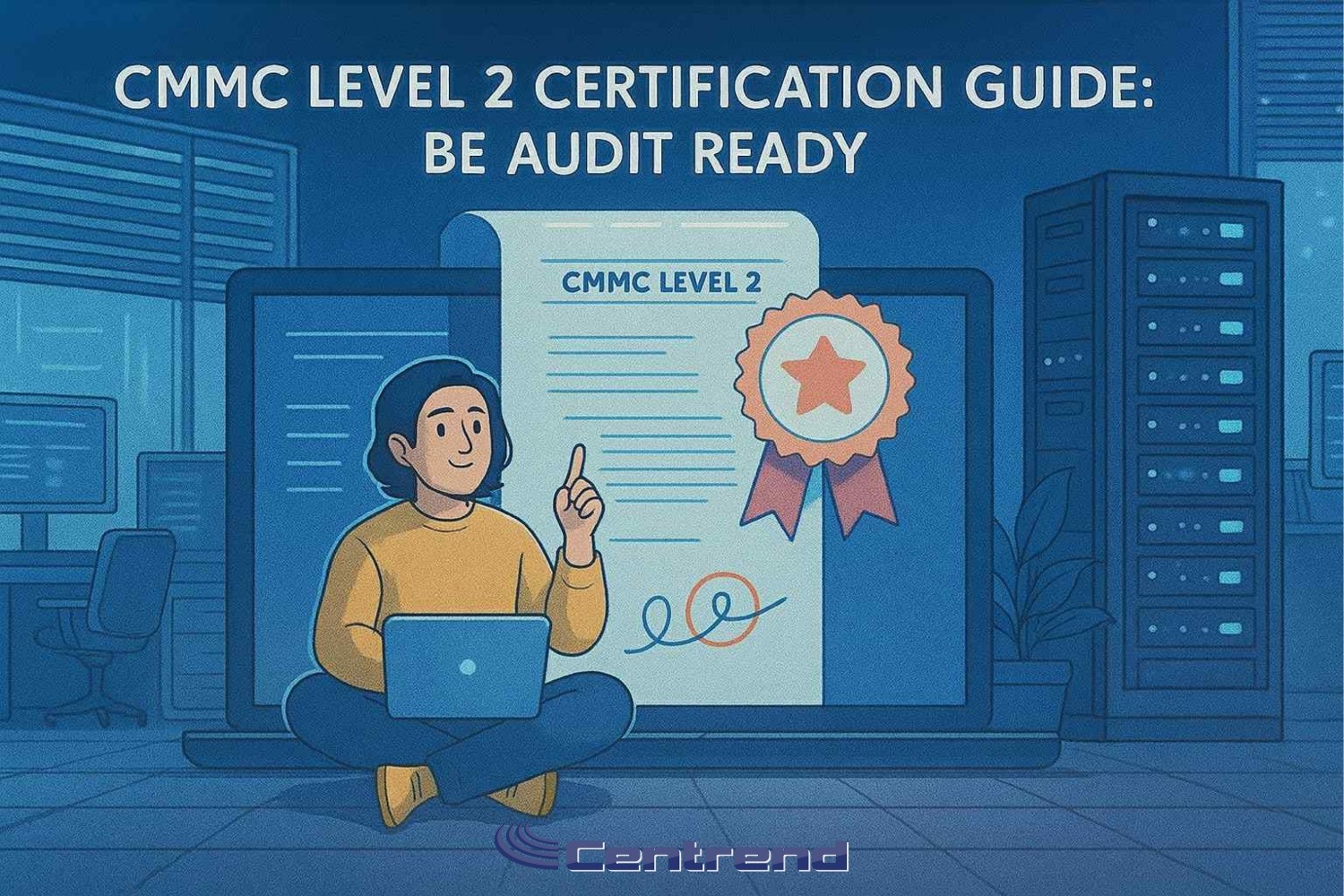
CMMC Level 2 Certification Guide hero with engineer on laptop, audit badge, and document in a server room, Centrend

CMMC Level 2 Certification Guide: Be Audit Ready

CMMC Level 2 Certification award checks are here. The next step is Level 2 certification that holds up under review. This guide gives leaders a clear path scope, evidence, SPRS, and C3PAO readiness without busywork. Status is recorded in SPRS. Many solicitations will require a C3PAO certification as the rollout advances.  What Decision Makers Need to Know Now What Level 2 Really Means Level 2 is proof that controls are implemented and working, not just written. To be taken seriously at award and through performance, you will need: A Simple Plan Leaders Can Run First 30 daysIdentify where CUI resides. Record people, apps, devices, vendors. Baseline against NIST 800-171 and collect existing artifacts.  Days 31 to 60Post your self-assessment in SPRS. Add the required details and complete the affirmation. Prioritize fixes for access control, MFA, logging, backups, incident response.  Days 61 to 90Run a short audit rehearsal. Hold brief interviews, walk through artifacts, confirm subcontractor alignment. If required, reserve a C3PAO window.  Evidence Assessors Ask For First (These align to the families and assessment approach of NIST SP 800-171 and its companion assessment guidance.)  Pitfalls That Stall Awards Prime and Sub Alignment Level requirements flow down. Primes must verify that subs have the correct status in SPRS at the same level. Build a light check: collect each sub’s CAGE, level, score date, and affirmation.  How Centrend Helps Next step: Get CMMC Level 2 Cert Ready! Book a short CMMC Level 2 Certification readiness review. Leave with a plan your team can start this week. Meet with a Centrend readiness lead. We map your scope, set your next three steps, and outline timing and effort. [Book Your CMMC Level 2 Readiness Call]

CMMC Level 2 Certification Guide: Be Audit Ready Read More »

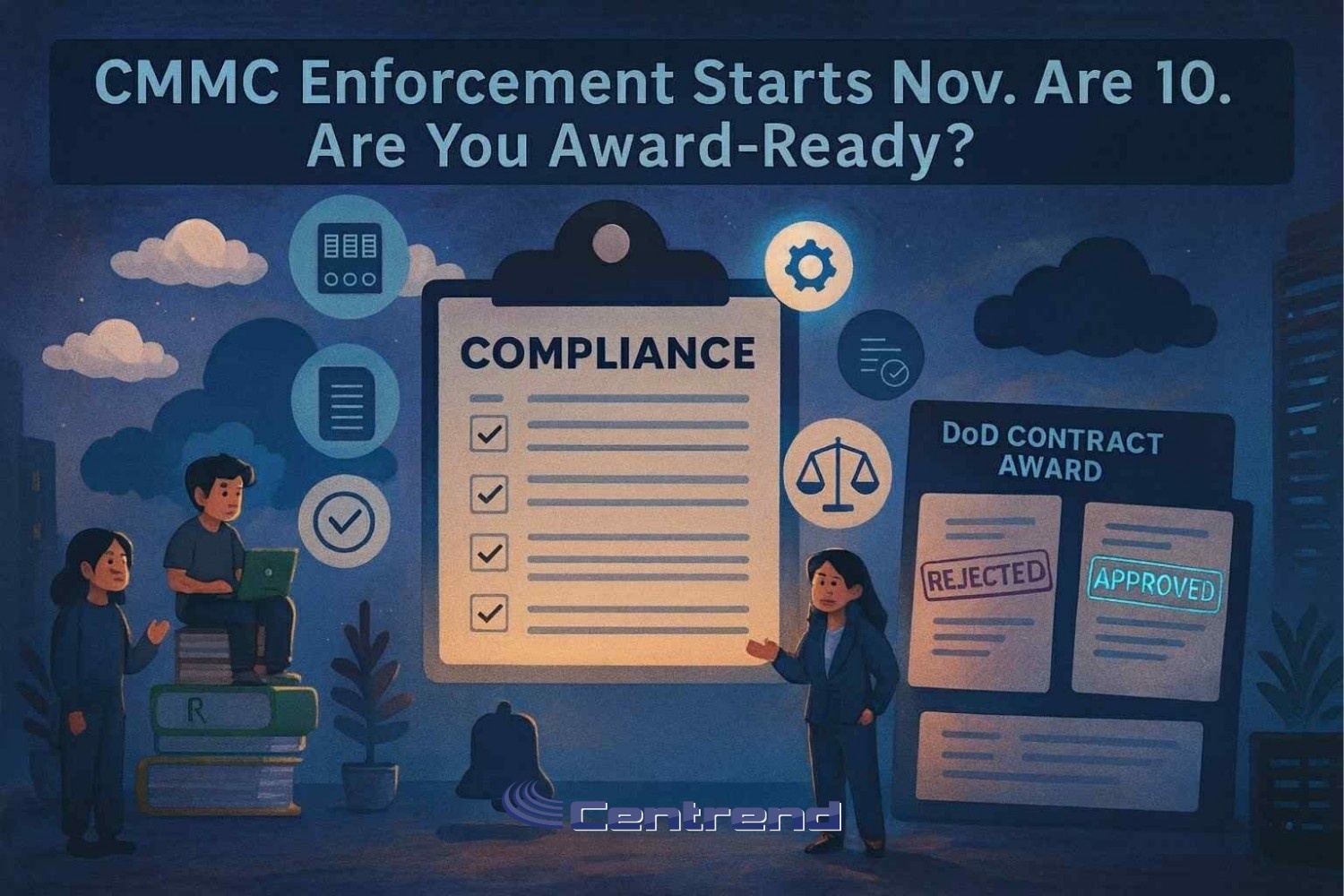
CMMC Enforcement Nov 10 blog hero showing a compliance checklist and DoD contract award board with approved stamp

CMMC Enforcement Nov 10: Are You Award-Ready?

CMMC Enforcement Nov 10, the Department of Defense (DoD) can enforce CMMC at the time of award or extension. If your self-assessment is missing or your SPRS status is wrong you risk getting ruled out before you’re even considered. And the rule is final. The clock is ticking. And if you’re not tracking what’s changing, your pipeline could dry up faster than you think. Why This Matters Now Your eligibility isn’t just about pricing or past performance anymore. Contracting officers will now check your SPRS entry before award. And if you’re not showing a valid Level 1 or 2 self-assessment?You may never make it past evaluation. What’s Changing with CMMC – Final Rule Effective Nov 10– CMMC UID assigned in SPRS to each system that handles FCI or CUI– Applies to both primes and subs– COTS-only contracts are exempt Even for smaller awards or renewals, SPRS visibility matters now. The Phased Timeline (What’s Required and When) Phase 1 Starts Nov 10, 2025:Level 1 and many Level 2 self-assessments must be posted in SPRS. Some Level 2 contracts may already require C3PAO certification. Phase 2 Nov 10, 2026:Third-party Level 2 assessments show up in more solicitations. Phase 3 Nov 10, 2027:Level 2 C3PAO certification becomes the norm across most relevant awards. Level 3 begins appearing for high-priority programs. Phase 4 Nov 10, 2028:Full rollout. Every DoD award involving FCI/CUI enforces CMMC compliance. Why Waiting Is a Risk SPRS entries must be accurate now.Self-assessments take time especially for Level 2.C3PAO assessment slots are limited.Delays = missed awards. How to Get Started Now Flow compliance downstream to subs. Where Centrend Comes In We don’t just consult we help GovCons get award-ready and stay that way: Scoping & Segmentation – Clarify where FCI/CUI lives, reduce risk exposureLevel Identification – Map contract needs to the correct CMMC levelSPRS Self-Assessment Support – We guide the process and ensure accurate postingLevel 2 Readiness – Gap lists, POA&Ms, SSPs, audit rehearsalOperational Maintenance – Reviews, sub-tier checklists, patching protocols Final Takeaway This rule is already in motion and if you’re not in the SPRS system or your assessment is out of date you’re at risk of losing contracts you’re qualified to win. Let Centrend help you go from unsure to award-ready, fast. [Book Your FREE CMMC Readiness Call]

CMMC Enforcement Nov 10: Are You Award-Ready? Read More »

The Hidden Cost of Manufacturing Downtime: How Smart IT Planning Saves New England Manufacturers Millions

Manufacturing in New England faces unique challenges. From harsh winters that can disrupt operations to the competitive pressure of maintaining efficiency in an increasingly digital world, manufacturers need every advantage they can get. Yet many are unknowingly hemorrhaging money through preventable IT-related downtime. The Real Cost of Downtime in Manufacturing According to recent industry studies, the average manufacturer loses $50,000 per hour during unplanned downtime. For New England manufacturers operating on tight margins, even a few hours of unexpected system failures can devastate quarterly profits. Consider this scenario: Your ERP system crashes during peak production season. Orders can’t be processed, inventory levels become unclear, and your production line grinds to a halt. What started as a “simple” IT issue becomes a company-wide crisis affecting customer relationships and revenue. Why Traditional IT Approaches Fail Manufacturers Many manufacturing companies still operate with reactive IT support – waiting for problems to occur before addressing them. This approach worked decades ago when technology played a smaller role in production, but today’s interconnected manufacturing environment demands a proactive strategy. Common IT vulnerabilities in manufacturing include: The Proactive Manufacturing IT Strategy Smart manufacturers are shifting to proactive IT management that treats technology as a strategic asset rather than a necessary expense. This includes: Predictive Monitoring: Advanced monitoring tools that identify potential failures before they impact production, allowing for scheduled maintenance during planned downtime.Integrated Security: Comprehensive cybersecurity that protects both office networks and production systems without hampering operational efficiency. Scalable Infrastructure: Cloud-based solutions that can grow with your business while providing the reliability manufacturing demands.Disaster Recovery Planning: Robust backup and recovery systems that ensure rapid restoration of critical systems. ROI of Proactive IT in Manufacturing The return on investment for proactive IT management in manufacturing is substantial: Taking Action: Your Next Steps If your manufacturing operation is still relying on reactive IT support, now is the time to evaluate your technology strategy. Start by conducting a comprehensive IT audit that examines your current infrastructure, identifies vulnerabilities, and creates a roadmap for improvement. The cost of inaction far exceeds the investment in proper IT planning. In today’s competitive manufacturing landscape, can you afford not to have technology working as your competitive advantage? Choosing Centrend, Inc. means opting for a partner committed to your business’s success. With our expert team, proactive support, and strategic insights, you can harness the full potential of ERP system while focusing on what you do best—running your business. Contact us today to learn how we can help you transform your IT challenges into opportunities for growth and innovation.

The Hidden Cost of Manufacturing Downtime: How Smart IT Planning Saves New England Manufacturers Millions Read More »

What Is Bad IT Support Costing Your Business?

In our technology-driven world, efficient IT support is the backbone of any successful business. From ensuring seamless operations to safeguarding sensitive data, reliable IT services are crucial for maintaining productivity and protecting your bottom line. However, not all IT support is created equal, and the cost of settling for subpar services can result in expensive consequences for your business. Bad IT service can negatively affect employee productivity, customer happiness and operational efficiency and quickly eat into your profits. In this blog post, we’ll explore some of the hidden costs of bad IT support and how it could be impacting your business in ways you might not have considered. Unresolved Recurring Issues IT issues that aren’t properly resolved are like untreated wounds that fester over time. For example, one person’s poor password habits can become a company-wide issue that later results in an expensive ransomware attack when a hacker finds a weak link. Recurring IT issues also drain company resources. Without addressing the root cause of the issues, the problems will persist, leading to ongoing costs. Sloppy Systems And Processes Your IT team can take tasks off your plate, like getting new employees access to the files, software and programs they need to do their job and revoking access when an employee leaves the company. If the procedures are not followed or outlined properly, your company’s processes will not run as efficiently as they should, costing you time and money, and it could open up big security risks to your company. Unexpected Downtime Operational inefficiencies aside, what’s the cost if you CAN’T do business? Not just the loss of potential sales, but the cost of employees sitting stagnant, staring at the wall and scrolling on their phones while your IT guy is trying to get your network back up. If you have 20 employees at an average pay of $25 an hour and your system is down for three hours, you might as well light $1,500 on fire. Now, what if this is happening one, two, even three or more times a month? Add in the potential loss of sales and fees for emergency IT support, and the total for each outage will quickly add up to a sizable chunk of change you’re letting fall right through your pocket. Security Breaches If a negligent or inexperienced IT professional leaves gaps in your security system, you could be vulnerable to a cyber-attack. There is no limit to what this could cost your business if client data or financial data is leaked, stolen or exploited. Legal fees, fines and downtime from cyber-attacks have put thousands of companies out of business because the owners weren’t able to get out from under them. It is critical to the future of your business that you work with an IT professional who knows what you need to be compliant in your industry and secure from the latest threats. These issues are only the tip of the iceberg. If you’d like us to take a closer look at what you’re getting for what you’re paying, to make sure you’re not exposed to risks and are operating as efficiently as possible, we’re happy to do so. To schedule a free 10-minute discovery call to see how we can get rid of your tech issues once and for all, go to www.centrend.com/contactus or call us at 772-241-8600.

What Is Bad IT Support Costing Your Business? Read More »

Scroll to Top