Centrend

Cybersecurity

Anime-style illustration of a modern IT office under a computer virus attack, with employees working at computers while virus icons spread across systems.

What a Virus Can Cost Your Business

Why it matters What a virus in a single computer can quietly cost your business… The problem Most businesses think a virus is just a small IT issue.Something that slows down a computer. Maybe something antivirus can handle. But that’s not how it works today. Viruses are no longer just annoying.They are built to spread, steal, and disrupt entire systems. The impact Here’s what one virus can actually cost your business: The agitation The hardest part? Most businesses don’t notice the damage right away. A virus can sit quietly: By the time it’s visible, the impact is already bigger than expected. The big picture This is no longer just about “having antivirus.” Modern threats are designed to: That’s why even careful teams still get hit. What to do Simple steps that make a real difference: Bottom line A computer virus is not just an IT issue.It’s a business risk. The cost is not just technical.It affects your time, your revenue, and your operations. The businesses that stay protected are the ones that prepare before it happens. If you want to strengthen your systems before small issues become costly problems, Contact Us or Book a Time to talk.

What a Virus Can Cost Your Business Read More »

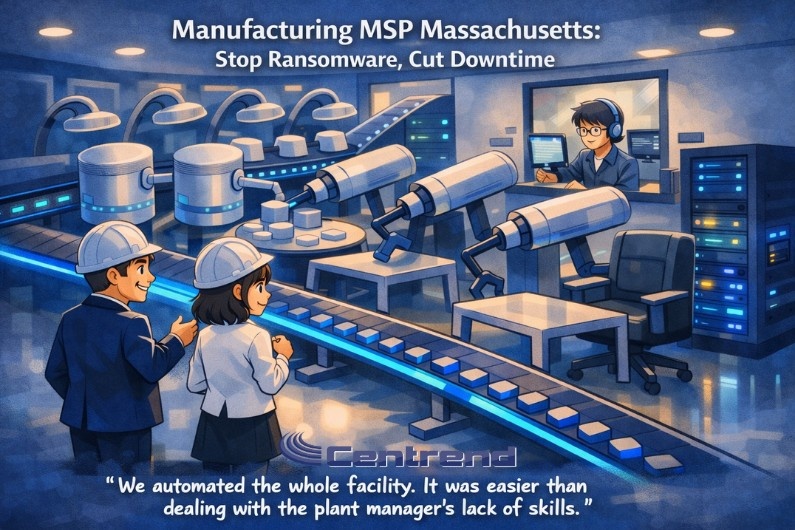
Manufacturing MSP Massachusetts. Animated, storybook-style illustration of a modern manufacturing floor inside an IT-controlled facility: two professionals in hard hats watch robotic arms and a conveyor line, while an IT operator monitors systems from an office window beside a glowing server rack. Title reads “Manufacturing MSP Massachusetts: Stop Ransomware, Cut Downtime,” with a humorous quote at the bottom.

Manufacturing MSP Massachusetts: Stop Ransomware, Cut Downtime

Manufacturing MSP Massachusetts. Downtime is getting more expensive for Massachusetts manufacturers. One ransomware hit, one failed patch, or one remote access mistake can stop scheduling, slow shipping, and create a backlog that takes weeks to unwind. Many SMB manufacturers still rely on “fix it when it breaks” IT, and that approach does not hold up when production depends on always-on systems. When production stalls, the costs stack fast. Not just in IT hours, but in missed ship dates, rush freight, overtime, and customer pressure. Most teams do not feel the risk day to day, until one small event turns into a full stop. This article is for Massachusetts manufacturing decision makers, owners, GMs, and operations leaders who want fewer surprises and more uptime. You will learn what a manufacturing-focused MSP should put in place to reduce ransomware risk and shorten downtime when something goes wrong. Why ransomware hurts manufacturers differently Attackers aim for maximum disruption, because disruption forces decisions. Manufacturing is a prime target because downtime is expensive and recovery can be complex. Common choke points they exploit: One weak link can spread quickly across shared drives, production support systems, and core business operations. What “good” looks like: the uptime stack A strong MSP does not just “support IT.” They build a system that makes attacks harder, contains damage faster, and restores operations with less chaos. Here is the uptime stack to look for. 1) Identity locked down (where most breaches start) If attackers cannot take over accounts, they cannot move freely. Minimum standards: Decision maker check: If one user gets phished today, can that account touch finance files, production docs, and admin tools? If yes, you are exposed. 2) Patch management that runs on a schedule Most ransomware uses known holes. The window between “fix available” and “fix applied” is where trouble lives. A real patch program includes: Decision maker check: Can you see a simple report that shows patch compliance across all devices in under 2 minutes? 3) Segmentation that limits blast radius If office IT and production support systems share the same easy pathways, one infection spreads fast. Segmentation basics: Decision maker check: If a sales laptop is compromised, can it reach production-related systems? If you are unsure, assume yes. 4) Backups that are isolated and tested Backups are only useful if they restore quickly and cleanly. What “backup-ready” means: Decision maker check: When was your last successful restore test, and how long did it take to get critical operations back? 5) Monitoring that catches threats early The earlier you detect, the less downtime you suffer. Many incidents show warning signs before encryption starts. Look for: Decision maker check: If an attacker signs in from a risky location at 2 AM, who gets alerted, and what happens next? The downtime reduction plan (simple, practical steps) Manufacturing MSP Massachusetts. If you want fast improvement without a huge overhaul, start here. 1: Close the easy doors (7–14 days) 2: Build stability (30 days) 3: Reduce blast radius (60–90 days) What to ask before hiring a Manufacturing MSP in Massachusetts Use these questions in a sales call. A good MSP will answer clearly, not vaguely. Ask: What this helps you achieve This approach is not about fear. It is about control. With the right MSP setup, you get: Next move If you are a Massachusetts SMB manufacturer and downtime would hurt your next 30 days of production, do not wait for a “big event” to force change. Start with a short readiness review focused on: Fixing these areas first is how you stop ransomware from becoming a shutdown and keep production moving. Book your FREE MSP Assessment Call Now!

Manufacturing MSP Massachusetts: Stop Ransomware, Cut Downtime Read More »

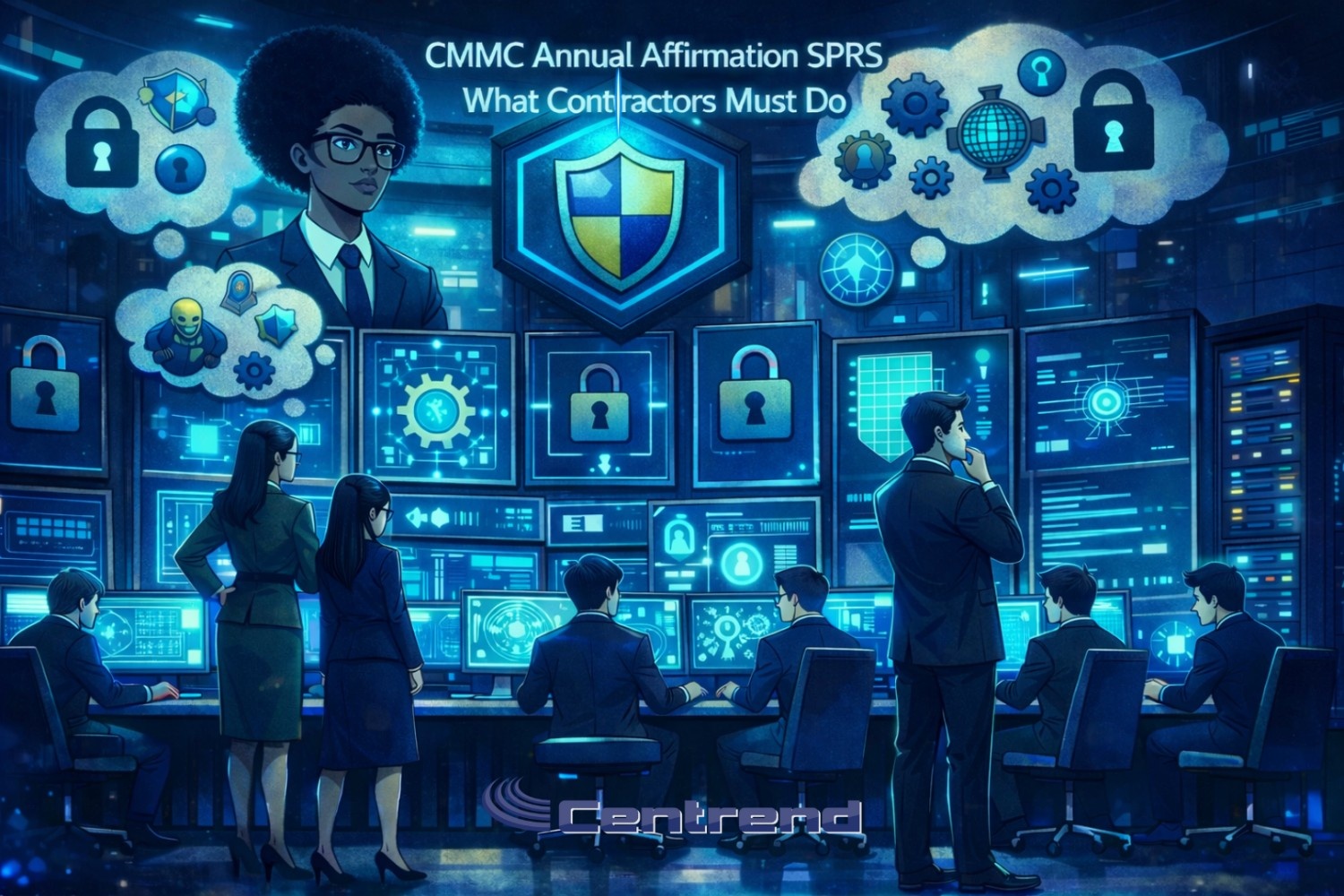
Defense contractors reviewing CMMC annual affirmation requirements in SPRS with cybersecurity dashboards, locks, and compliance symbols

CMMC Annual Affirmation SPRS: What Contractors Must Do

CMMC Annual Affirmation SPRS does not end when your assessment is done.For many contractors, the next risk is quieter and easier to miss. Your annual affirmation in SPRS is now part of what keeps your CMMC status alive. If it is missing, outdated, or scoped wrong, your certification may still exist on paper but your award eligibility can slip away in real life. This is where many otherwise prepared contractors stumble. Why the annual affirmation matters now Under the CMMC final rule, the Department of Defense is not only checking whether you earned a CMMC status. It is also checking whether you are actively affirming that you continue to meet the requirements. That affirmation lives in SPRS. It confirms, each year, that: If that affirmation is not current at the time of award, the government may not be able to legally move forward, even if your assessment is still within the three-year window. What the affirming official is actually saying The annual affirmation is not a casual checkbox. The affirming official is stating that: That statement is made under penalty of false claims. It needs to be taken seriously. This is why last year’s affirmation, or one tied to an old scope, is not enough. Where contractors get tripped up Most issues are not technical. They are administrative and timing related. Common gaps we see: These gaps often surface late, during proposal reviews or right before award. That is the worst time to discover them. How to check your SPRS status the right way Before you bid on a CMMC-tagged opportunity, pause and confirm: If any one of those answers is unclear, your eligibility is at risk. Why this matters even more in early 2026 The annual affirmation can lapse quietly.After the New Year, teams are catching up, priorities shift fast, and compliance items can get buried under “back to work” noise. At the same time: If your affirmation is missing, outdated, or tied to the wrong scope, it can slow down an award decision or push your bid out before evaluation even starts. A simple monthly habit that prevents problems Instead of treating SPRS as a once-a-year task, build a small routine: This keeps your CMMC story consistent across SPRS, your SSP, and your proposals. How Centrend helps contractors stay aligned Centrend works with defense contractors to make sure CMMC status, affirmations, and scope all tell the same story, especially heading into busy award cycles. We help teams: If you want a quick outside view, Centrend can walk your team through a short CMMC Annual Affirmation Review and flag anything that needs attention before your next opportunity. Final question to ask your team If a contracting officer checked your SPRS record today, would your CMMC status and annual affirmation clearly support an award? If you are not sure, now is the right time to look.

CMMC Annual Affirmation SPRS: What Contractors Must Do Read More »

How Hackers Choose Their Targets: A Day in the Life of a Hacker

Cyberattacks don’t always start with brute force they begin with quiet observation. If you’ve ever wondered how hackers choose their targets, it’s not about high-tech tools or dramatic scenes from a movie. It’s about identifying soft entry points your business may not even realize exist and exploiting them before you ever know they’re there. Morning Recon: How Hackers Identify Vulnerable Systems I start my day like anyone else Coffee in hand, screen glowing. But instead of checking emails for meetings, I scan the digital streets for Vulnerabilities. I’m not hunting for high-profile names. I’m hunting for weak spots: Why try to crack a safe when someone leaves the front door wide open? Midday Tactics: How Hackers Exploit Human Behavior Once I find a likely target, I don’t attack the firewall I attack the person. People are the easiest way in. I send a spoofed invoice, a password reset email, or an urgent message from “the CEO.” It looks normal. Feels familiar. It only takes: And just like that I’m in. Afternoon Priorities: How Hackers Pick the Most Profitable Victims Not all targets are worth it. I want leverage. So, I look for industries where downtime equals disaster: That’s how I choose who to attack not based on size, but on vulnerability and value. Evening Payout: How Hackers Execute and Disappear By evening, I’m already deep inside a system. Sometimes I stay quiet, collecting logins, downloading data.Other times, I lock the entire network and leave a message:“Pay me, or lose it all.” Then I vanish. Tomorrow, I’ll wake up and do it again. What This Means for Your Business This “day in the life” isn’t fiction.This is exactly how hackers choose their targets every day. They look for: The good news? You don’t have to make it easy. At Centrend, We Close the Easy Doors At Centrend, we specialize in stopping threats before they start. Here’s how we protect you: We don’t chase fire drills. We prevent them. Don’t Let a Hacker Choose You. Secure Your Business with Centrend. 📞Book your FREE CyberDefense Risk Assessment today 🌐Visit us on centrend.com No pressure. No jargon. Just a clear look at where your vulnerabilities are and how to fix them before a hacker finds them.

How Hackers Choose Their Targets: A Day in the Life of a Hacker Read More »

Travel Smart: Essential Cybersecurity Practices For A Hack-Free Vacation

Summer is a popular time for business owners and employees to step out of the office and take a well-deserved vacation. Even if their “out of office” e-mail responder is active, many people will periodically check in on work at least once while traveling. Unfortunately, studies show that working outside of the office – whether it’s a few simple check-ins on vacation, connecting to the Internet at a local coffee shop or even business travelers out on work trips – can lead to major cybersecurity issues. If you or your employees will be answering urgent e-mails from the airport or accessing network documents in the hotel lobby, it’s essential to maintain strong cybersecurity best practices to avoid exposing the company’s network to hackers preying nearby. In this blog post, we’ll cover what cybersecurity best practices are necessary for you to take before and during any trip to keep your network secure from hackers. Why Cybersecurity Matters While Traveling Cybersecurity might not be at the top of your vacation checklist, but ignoring it can turn your dream getaway into a horrible nightmare. Cybercriminals know summer is a prime time to attack because people are more likely to let their guard down while on vacation. For most vacationers, the focus is on enjoying time out of the office instead of ensuring they’re following cybersecurity best practices, making them an easy target for hackers. To minimize the risk of a cyberattack while traveling, here are a few best practices to cover with anyone on your team who might connect to the Internet while on vacation. Before you go: While traveling: You should be able to relax on vacation. Taking these simple precautions can help you keep your device secure so you can enjoy your time off and don’t have to worry about dealing with cyber issues when you get back to work. However, it’s important to know that these steps aren’t fail-proof. To truly ensure that your company’s cybersecurity measures are up to standard, it’s important to work with a professional IT team that can monitor your network 24/7, patch any vulnerabilities that pop up (which happens regularly) and alert you if something seems suspicious. To help you prepare for your vacation and have peace of mind knowing your business is secure while you or your employees are working remotely, call us at 774-241-8600 or click here to schedule a FREE IT Security Risk Assessment with our cybersecurity experts today. We’ll evaluate your current cybersecurity solutions, identify potential vulnerabilities and help you implement a strategic security plan to keep your company safe.

Travel Smart: Essential Cybersecurity Practices For A Hack-Free Vacation Read More »

Scroll to Top