Centrend

AI for business

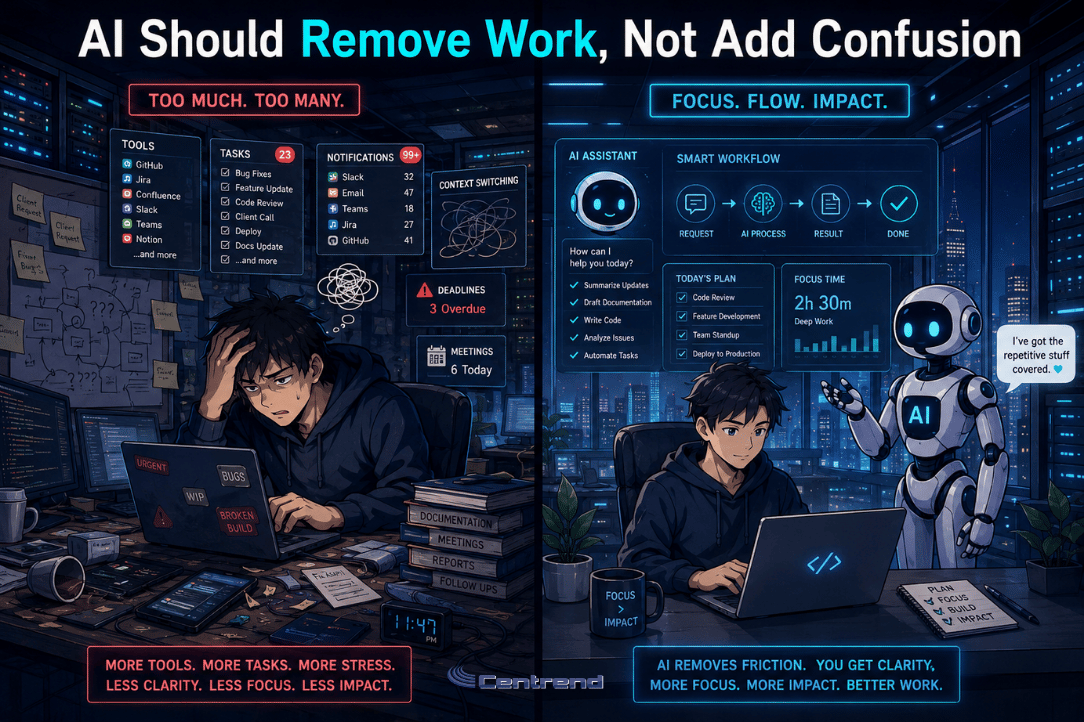
AI Should Remove Work, Not Add Confusion illustration showing a stressed worker surrounded by too many tools and tasks beside a calmer workflow supported by an AI assistant.

AI Should Remove Work, Not Add Confusion

AI Should Remove work that slows your team down, not create another layer of tasks, tools, and confusion. Many businesses are interested in AI because they want faster work, better organization, and less manual effort. But when AI is added without a clear purpose, it can create the opposite result. Extra tools.More questions.Added review.More confusion. That is not the goal. The goal is to make work simpler. Why this matters AI should help your team spend less time on repetitive work and more time on decisions, customers, and growth. But if every employee uses a different tool, follows a different process, or trusts AI output without review, the business can quickly lose control of the workflow. What was meant to save time can become another problem to manage. Where confusion starts AI can create confusion when businesses do not define how it should be used. Common issues include: • Employees using different AI tools without guidance• Sensitive information being entered into public platforms• AI-generated content being used without review• Teams getting inconsistent answers from different tools• Extra time spent fixing unclear or inaccurate output When this happens, AI does not remove work. It adds more of it. What smarter AI use looks like AI works best when it supports a clear process. That means your business should know: • What tasks AI can help with• What information should never be entered• Which tools are approved• Who reviews the final output• How AI should fit into daily workflows The simpler the process, the easier it is for your team to use AI safely and consistently. Start with the work that repeats The best place to start is not the most complicated task. Start with work your team repeats often. That may include: • Drafting emails• Summarizing meetings• Organizing notes• Creating report outlines• Building checklists• Researching basic topics• Preparing internal updates These are good starting points because AI can help create structure, save time, and reduce blank-page work. Your team still reviews the final result, but they do not have to start from zero. Keep people in control AI should not become the final decision-maker. It should support people who already understand the business, the customer, and the context. Human review matters because your team still needs to check accuracy, tone, privacy, and business fit. AI can create the draft. People make it right. Make AI fit your business AI should not force your team into a workflow that does not match how your business operates. It should fit your process, your brand voice, your customer standards, and your internal rules. That is where the real value starts. Not just using AI. Using AI in a way that actually supports how your business works. The bottom line AI should remove work, not add confusion. Used well, it can help your team save time, organize information, and work with more clarity. Used without a plan, it can create risk, inconsistency, and extra review work. The smart approach is simple: Start with clear use cases.Set rules for your team.Protect sensitive data.Review important outputs.Make AI fit the way your business works. That is how AI becomes useful, not overwhelming. Make AI work the way your business works. Centrend can help your business find practical ways to use AI, reduce confusion, and build safer workflows that support your team. Talk to Centrend About Practical AI Use

AI Should Remove Work, Not Add Confusion Read More »

Smart AI Needs Human Guardrails illustration showing the evolution from early humans to a modern worker and a robot in a blue-toned IT office with servers and human oversight.

Smart AI Needs Human Guardrails

Smart AI use starts with one simple rule: it should not run without human guardrails. Businesses are using it to draft emails, summarize notes, organize ideas, support customer communication, and speed up daily work. That can save time, but it also creates one important question: Who is checking what it produces? Without clear rules, teams can accidentally expose sensitive information, trust incorrect answers, or use content that does not match the company’s standards. That is where risk begins. Why this matters AI can sound confident even when it is wrong. A polished answer is not always accurate. A fast draft is not always safe. A helpful summary may still miss important details. For businesses, this matters because one careless use can affect customers, internal decisions, data privacy, and trust. The goal is not to avoid AI. The goal is to use it with security, accuracy, and human review. 1. Protect sensitive data Not everything belongs in an AI tool. Teams should avoid entering customer information, passwords, financial details, private company documents, HR information, legal content, or anything confidential. A simple rule helps: If it should not be public, do not paste it into a public tool. 2. Check every important answer AI-generated content should never be accepted automatically. It can be incomplete, outdated, or simply wrong. Before using the output, your team should check facts, confirm details, and review anything that could affect a customer, project, report, or business decision. Fast is helpful. Correct is essential. 3. Keep people in control AI should support your team, not replace judgment. People still need to decide what is accurate, appropriate, useful, and aligned with the business. This matters most for customer replies, marketing content, reports, policies, and anything connected to your reputation. Human review is not extra work. It is the safety step. 4. Set clear rules for the team A safer AI process should be simple enough for everyone to follow. Your business should define: What AI can be used forWhat information should never be enteredWhich tools are approvedWho reviews the final outputWhen approval is required Clear rules reduce confusion and help teams use AI more consistently. 5. Make AI fit your business AI works better when it is built around your actual workflow. That means it should support your brand voice, customer response process, internal standards, and team responsibilities. The real value is not just using AI. The real value is using it in a way that fits how your business works. The bottom line AI can help businesses move faster. But speed without control creates risk. The smart approach is simple: Protect sensitive data.Check the output.Keep people involved.Set clear rules.Use approved tools. With the right guardrails, AI can help your team work with more confidence, better accuracy, and stronger protection. Use AI with confidence, not guesswork. Centrend can help your business create safer AI workflows, protect sensitive information, and build smarter technology processes that support the way your team works. Talk to Centrend About Safer AI Use

Smart AI Needs Human Guardrails Read More »

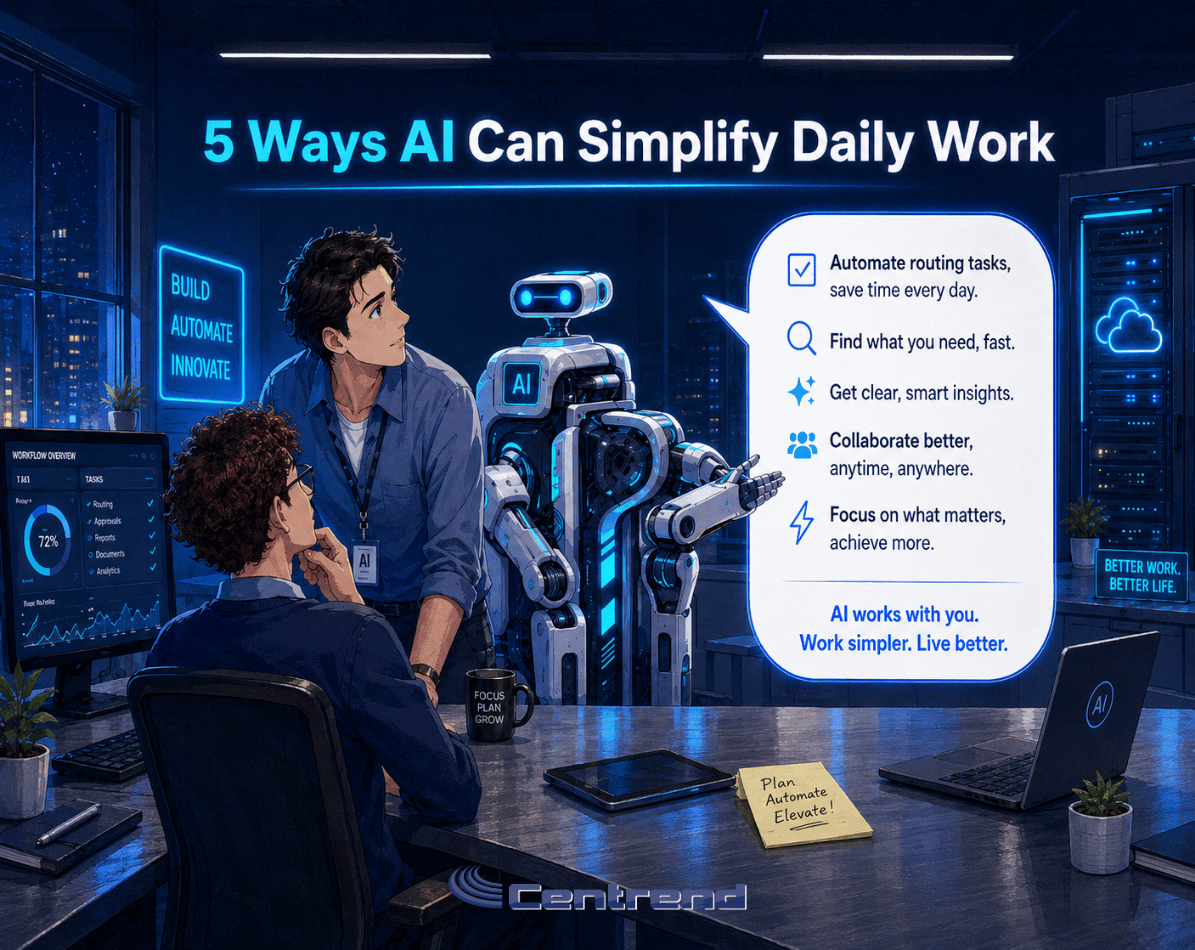
5 Ways AI Can Simplify Daily Work in a modern IT office scene showing two team members and a robot assistant collaborating beside servers and digital screens.

5 Ways AI Can Simplify Daily Work

5 Ways AI can simplify daily work starts with one clear idea: it does not need to replace your team. Used the right way, it can help people work faster, think more clearly, and spend less time on repetitive tasks. The problem is that many businesses either avoid it completely or use it without a clear process. That is where work can get messy. The goal is simple: use AI to support your team, not complicate their day. Why it matters Teams lose time every week on routine work. Emails. Meeting notes. Reports. Research. Planning. Follow-ups. AI can help create a stronger starting point, but it should not become the final decision-maker. Human review still matters, especially when the work involves customers, data, business decisions, or brand voice. 1. Draft emails faster AI can help create first drafts for customer replies, internal updates, and follow-up messages. This saves time, but the final message should always be reviewed for tone, accuracy, and details. 2. Summarize meetings Long notes can be turned into clear summaries, action items, and next steps. This helps teams stay aligned without rereading every detail. 3. Build reports AI can help organize updates, create outlines, and turn rough notes into a cleaner report format. Your team still needs to check the numbers, facts, and final message. 4. Organize ideas A blank page slows people down. AI can help turn scattered thoughts into checklists, project steps, talking points, or content ideas. 5. Speed up research AI can help gather starting points, compare topics, and organize research into useful sections. But important facts should always be checked against trusted sources before they are used. The bottom line AI should make work easier, not more confusing. The best use is not replacing people. It is helping your team save time, organize information, and move faster while keeping human judgment in place. Start small. Set clear rules. Review the output. That is how businesses can use AI without overcomplicating work. Make AI useful, not overwhelming. Centrend can help your business find practical ways to use AI, improve daily workflows, and support your team with safer, smarter technology. Talk to Centrend About Practical AI Usehttps://centrend.com/contact/

5 Ways AI Can Simplify Daily Work Read More »

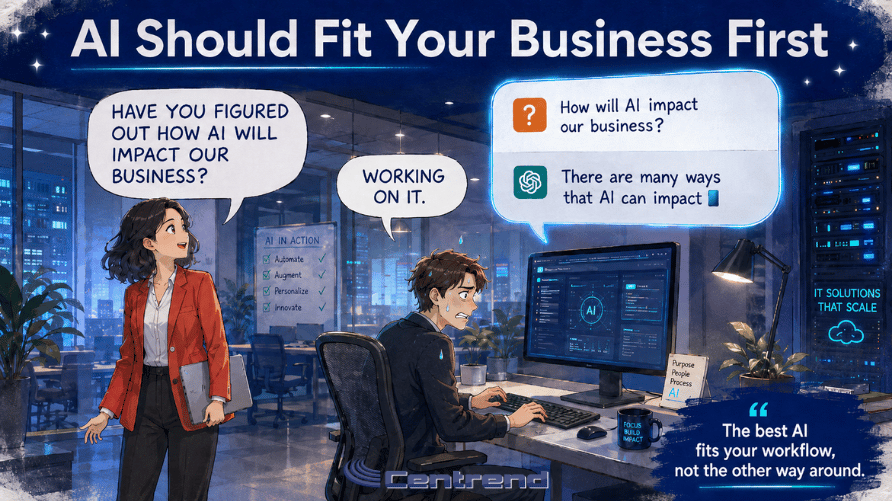
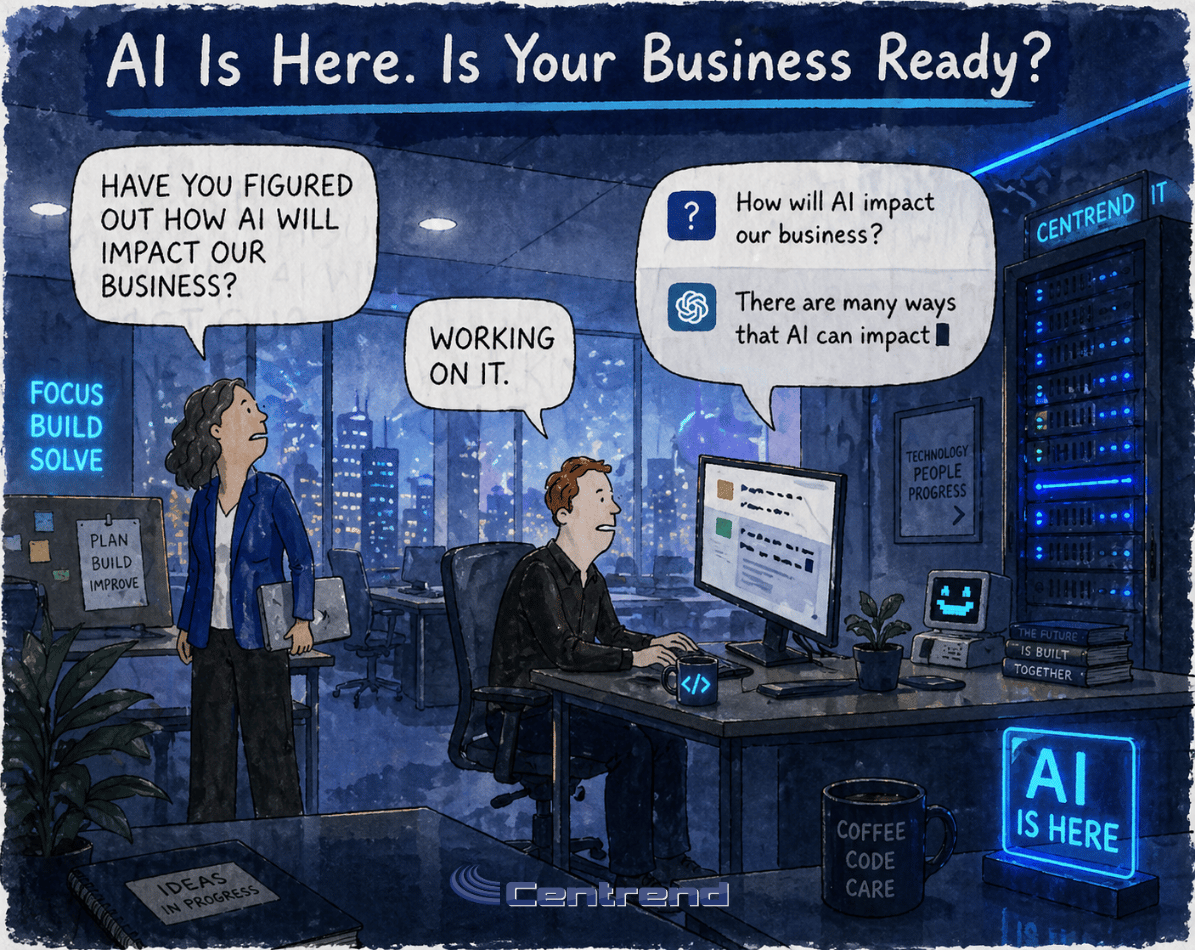
AI is here in a modern IT office scene showing a team exploring how AI can impact business workflows, planning, and technology strategy.

AI Is Here. Is Your Business Ready?

AI is here, and it is no longer something only big companies use. This technology is already showing up in daily work. Employees use it to write emails, summarize notes, research topics, create reports, organize ideas, and speed up customer responses. The real question is not whether your business will use it. The real question is whether your team is using it safely, clearly, and with the right process. Why it matters AI can save time. It can help your team move faster, reduce repetitive work, and make daily tasks easier. But without clear guidelines, it can also create problems. Employees may paste sensitive company information into public tools. They may rely on answers that are not fully accurate. They may send generated content without checking the tone, facts, or privacy risks. That is where businesses need to be careful. This technology is useful, but it still needs human review. Where it can help right now For many small and mid-sized businesses, AI can support simple daily work such as: Writing and editingIt can help draft emails, improve wording, create outlines, and turn rough ideas into clearer messages. Research and summariesIt can help organize information, summarize long notes, and give teams a faster starting point. Customer service supportIt can help draft replies, organize common questions, and support faster response times. Planning and admin workIt can help create checklists, meeting agendas, task summaries, and internal process notes. Marketing and content ideasIt can help brainstorm topics, create first drafts, and adjust content for different platforms. The value is not in replacing your team. The value is helping your team spend less time staring at a blank page and more time making good decisions. The risk of using AI without rules AI can sound confident even when it is wrong. That matters. A polished answer is not always an accurate answer. A fast draft is not always safe to send. A helpful summary may still miss important details. Businesses should be careful with: Sensitive customer dataCompany passwords or private documentsFinancial informationLegal or HR-related contentClient recordsUnverified factsCustomer-facing messages AI should support the work, not become the final decision-maker. The smarter way to use it Businesses do not need to avoid AI. They need a safe and simple approach. That means setting clear rules for what employees can and cannot enter into these tools. It also means reviewing generated content before it is used, especially for customer communication, business decisions, or anything involving sensitive information. A good process should answer three basic questions: What can our team use this for?What information should never be entered into these tools?Who reviews the final output before it is shared? When those rules are clear, AI becomes much more useful and much less risky. The bottom line This technology is already becoming part of everyday business. Used well, it can help your team work faster, write better, organize information, and reduce wasted time. Used carelessly, it can create confusion, privacy issues, and inaccurate work. The best approach is not to ignore it or rush into it without a plan. The best approach is to use AI with clear guidelines, human review, and the right technology support. At Centrend, we help businesses use technology in a practical, secure, and manageable way. If your team is starting to explore smarter tools, now is the time to make sure they are being used the right way. Make AI work the way your business works. Centrend can help you customize and implement AI tools that fit your brand, support your team, and improve daily operations. Talk to Centrend or Schedule an AI Implementation Consultation

AI Is Here. Is Your Business Ready? Read More »

Scroll to Top