Centrend

IT Support

Centrend graphic titled “C3PAO Readiness Checklist: Level 2 Audit Prep” showing a team marking a checklist in a server room.

C3PAO Readiness Checklist: Level 2 Audit Prep

C3PAO Readiness Checklist, award checks are active. A posted score in SPRS helps, but certification is what carries you through evaluation and option years. This guide shows how leaders turn policies into proof that holds up with a C3PAO for CMMC Level 2.  Why This Matters Now What Assessors Look For First POA&M discipline, open items prioritized and tracked to closure within allowed windows. The C3PAO readiness checklist (run this before you book) Scope and boundaryMap CUI data flows, users, apps, devices, vendors.Produce a simple boundary diagram and asset and user inventories. Controls and proofMFA: screenshots or exports showing enforcement for all in-scope accounts.Logging: samples that show useful events retained.Access reviews: add or remove records with approvals.Backups: test logs.IR tabletop: agenda, notes, and follow-ups. DocumentsSSP that reflects the real boundary.Policies and procedures referenced by the SSP.Change control tickets with testing and approvals. SPRS touchpointsPost the self-assessment correctly.Keep the affirmation current.Ensure CMMC UIDs align to the assessed systems. Subcontractors Verify each sub’s level and SPRS status before proposal time; keep a lightweight record. A Simple 30-60-90 Plan 1. Days 0-30 2. Days 31-60 3. Days 61-90 Confirm sub flow-down status; if required, reserve your C3PAO window.  Mock-Audit Script (use in a 60-minute rehearsal) Close: Open POA&M items, owners, and due dates, then next milestones toward certification.  Common Blockers That Slow Certifications What “good” Looks Like On Evidence Where Centrend Fits Get C3PAO-ready: with a short readiness call [Download the Level 2 Evidence Checklist]

C3PAO Readiness Checklist: Level 2 Audit Prep Read More »

CMMC Level 2 Certification Guide hero with engineer on laptop, audit badge, and document in a server room, Centrend

CMMC Level 2 Certification Guide: Be Audit Ready

CMMC Level 2 Certification award checks are here. The next step is Level 2 certification that holds up under review. This guide gives leaders a clear path scope, evidence, SPRS, and C3PAO readiness without busywork. Status is recorded in SPRS. Many solicitations will require a C3PAO certification as the rollout advances.  What Decision Makers Need to Know Now What Level 2 Really Means Level 2 is proof that controls are implemented and working, not just written. To be taken seriously at award and through performance, you will need: A Simple Plan Leaders Can Run First 30 daysIdentify where CUI resides. Record people, apps, devices, vendors. Baseline against NIST 800-171 and collect existing artifacts.  Days 31 to 60Post your self-assessment in SPRS. Add the required details and complete the affirmation. Prioritize fixes for access control, MFA, logging, backups, incident response.  Days 61 to 90Run a short audit rehearsal. Hold brief interviews, walk through artifacts, confirm subcontractor alignment. If required, reserve a C3PAO window.  Evidence Assessors Ask For First (These align to the families and assessment approach of NIST SP 800-171 and its companion assessment guidance.)  Pitfalls That Stall Awards Prime and Sub Alignment Level requirements flow down. Primes must verify that subs have the correct status in SPRS at the same level. Build a light check: collect each sub’s CAGE, level, score date, and affirmation.  How Centrend Helps Next step: Get CMMC Level 2 Cert Ready! Book a short CMMC Level 2 Certification readiness review. Leave with a plan your team can start this week. Meet with a Centrend readiness lead. We map your scope, set your next three steps, and outline timing and effort. [Book Your CMMC Level 2 Readiness Call]

CMMC Level 2 Certification Guide: Be Audit Ready Read More »

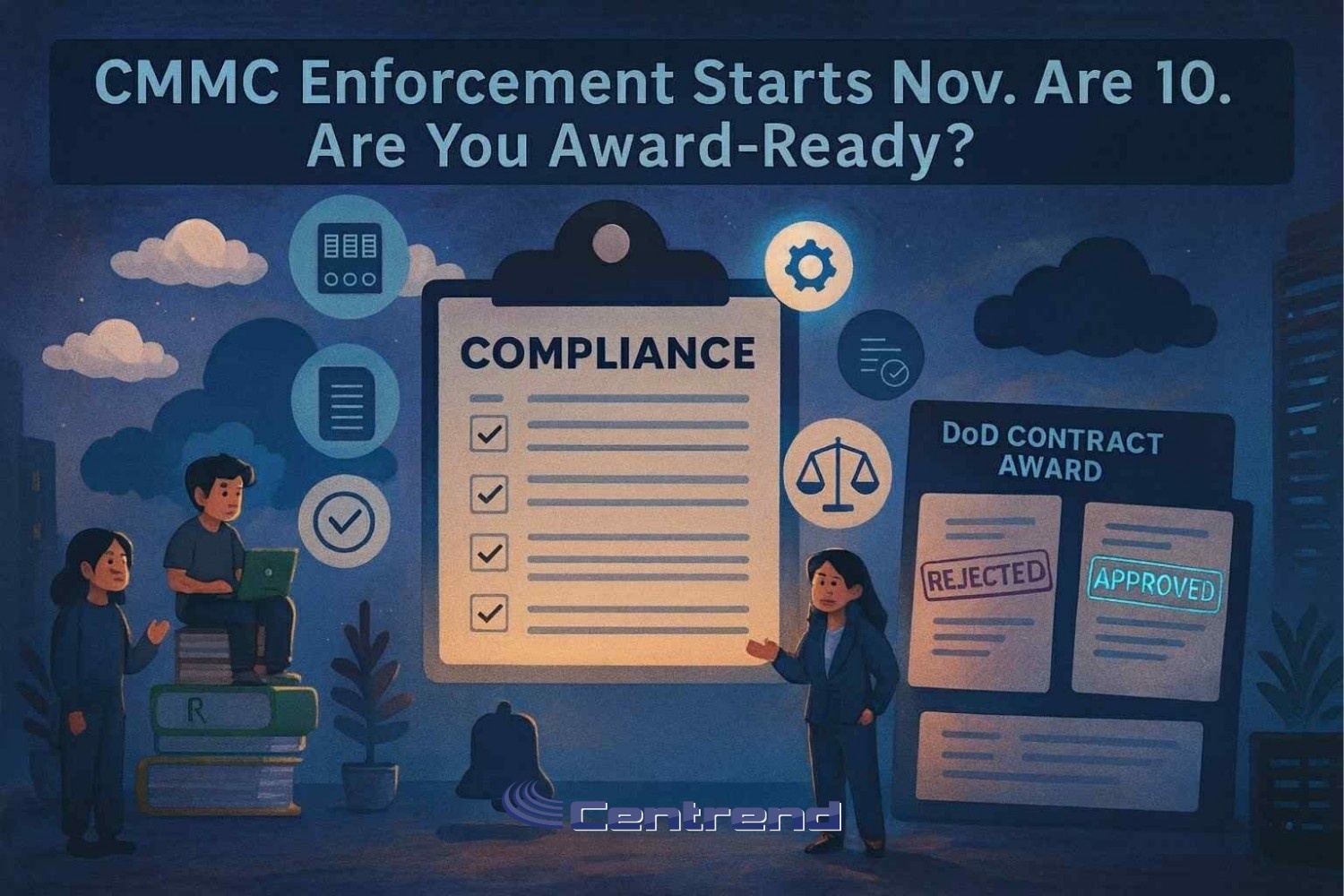
CMMC Enforcement Nov 10 blog hero showing a compliance checklist and DoD contract award board with approved stamp

CMMC Enforcement Nov 10: Are You Award-Ready?

CMMC Enforcement Nov 10, the Department of Defense (DoD) can enforce CMMC at the time of award or extension. If your self-assessment is missing or your SPRS status is wrong you risk getting ruled out before you’re even considered. And the rule is final. The clock is ticking. And if you’re not tracking what’s changing, your pipeline could dry up faster than you think. Why This Matters Now Your eligibility isn’t just about pricing or past performance anymore. Contracting officers will now check your SPRS entry before award. And if you’re not showing a valid Level 1 or 2 self-assessment?You may never make it past evaluation. What’s Changing with CMMC – Final Rule Effective Nov 10– CMMC UID assigned in SPRS to each system that handles FCI or CUI– Applies to both primes and subs– COTS-only contracts are exempt Even for smaller awards or renewals, SPRS visibility matters now. The Phased Timeline (What’s Required and When) Phase 1 Starts Nov 10, 2025:Level 1 and many Level 2 self-assessments must be posted in SPRS. Some Level 2 contracts may already require C3PAO certification. Phase 2 Nov 10, 2026:Third-party Level 2 assessments show up in more solicitations. Phase 3 Nov 10, 2027:Level 2 C3PAO certification becomes the norm across most relevant awards. Level 3 begins appearing for high-priority programs. Phase 4 Nov 10, 2028:Full rollout. Every DoD award involving FCI/CUI enforces CMMC compliance. Why Waiting Is a Risk SPRS entries must be accurate now.Self-assessments take time especially for Level 2.C3PAO assessment slots are limited.Delays = missed awards. How to Get Started Now Flow compliance downstream to subs. Where Centrend Comes In We don’t just consult we help GovCons get award-ready and stay that way: Scoping & Segmentation – Clarify where FCI/CUI lives, reduce risk exposureLevel Identification – Map contract needs to the correct CMMC levelSPRS Self-Assessment Support – We guide the process and ensure accurate postingLevel 2 Readiness – Gap lists, POA&Ms, SSPs, audit rehearsalOperational Maintenance – Reviews, sub-tier checklists, patching protocols Final Takeaway This rule is already in motion and if you’re not in the SPRS system or your assessment is out of date you’re at risk of losing contracts you’re qualified to win. Let Centrend help you go from unsure to award-ready, fast. [Book Your FREE CMMC Readiness Call]

CMMC Enforcement Nov 10: Are You Award-Ready? Read More »

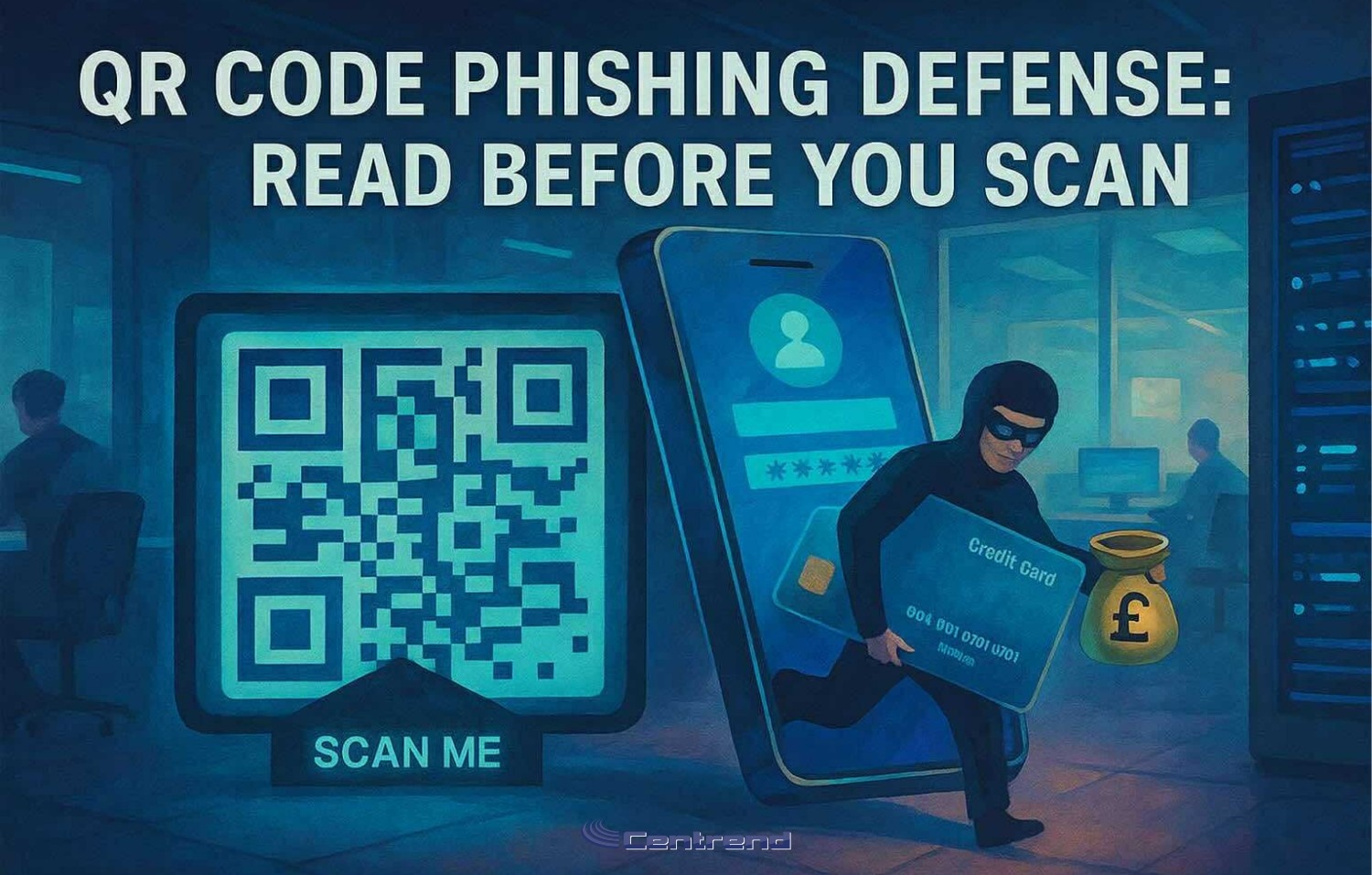
Illustration of a masked hacker stealing credit card data through a QR code scam, with a “Scan Me” sign and smartphone in a dark office setting

QR Code Phishing Defense: Read Before You Scan

QR Code Phishing Defense.One sticker. One poster. One scan.That’s all it takes for a credential theft or payment fraud. QR phishing is on the rise and it’s not by accident.Attackers are shifting away from email to target your phone, where security filters fall short and domain previews are harder to verify. In 2025, we’ve seen a sharp uptick in QR-based scams like fake parking meter stickers and “track your package” codes that lead to spoofed login pages. They’re fast, convincing, and built to sidestep everything your email gateway protects. One scan is all it takes. QR Code Phishing: Build Habits, Not Just Warnings Turn everyday scans into second-nature security. What to do in the moment: Pause → PreviewBefore scanning, check if your phone can preview the destination. If the code’s already scanned, long-press the link and inspect it. Look closely at the domain: misspelled brands, extra characters, or odd endings like .co instead of .com are major red flags. Verify → Use Official Apps When it comes to payments parking, utilities, deliveries don’t trust a sticker or flyer. Use the official app or a saved bookmark instead of following an unfamiliar QR code. Report → Share FastIf it feels off, report it. Right away.Your early warning can help stop a scam before it spreads. Make it easy to say, “This looks weird” no judgment, just shared vigilance. QR Phishing Defense, What to set up this week “Scan-or-Skip?” DrillGrab three QR examples one real, two risky. Ask your team: which one would you trust? Why? Build pattern recognition through discussion, not fear. Parking & Package PSAPin a quick reminder: “Don’t scan QR codes on meters or surprise deliveries. Use the app.” Simple, visual, easy to remember. Passwordless PushWhere you can, shift critical logins to phishing-resistant authentication (FIDO/WebAuthn). That one move can blunt the impact of a bad scan. What’s Happening Out There Malicious QR Codes Are EverywhereIn Q2 2025 alone, over 635,000 unique malicious QR codes were detected and 1.7 million+ in the six months prior. Scams in the WildQR stickers placed on parking meters and signage have scammed drivers and harvested payments. Consumer alerts are ongoing. FBI Warnings ContinueLaw enforcement has flagged suspicious QR codes on unsolicited packages—designed to steal login credentials or push malware. Final Takeaway You can’t filter a scan.But you can build habits that pause, preview, verify and report. That one extra second?It could be your strongest layer of defense. Want a ready-to-use “QR Spot Check” drill for your team?Let’s connect we’ll walk you through a short rollout plan tailored to your workflows. No pressure, just prevention. [Book Your FREE QR Spot Check Drill Today]

QR Code Phishing Defense: Read Before You Scan Read More »

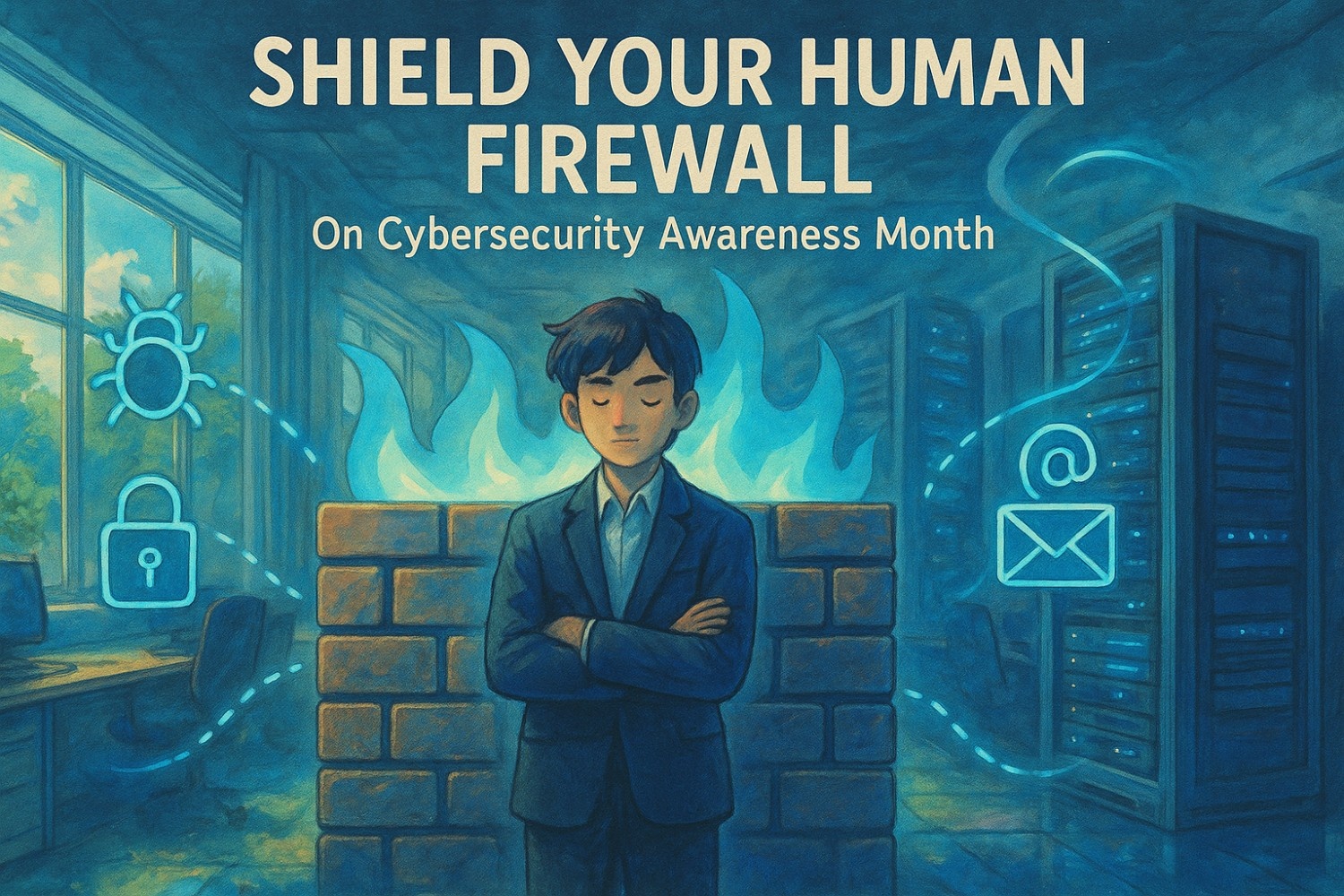
Illustration of employees standing in front of a digital firewall, symbolizing a strong human firewall during Cybersecurity Awareness Month, with a focus on team awareness, phishing prevention, and workplace cybersecurity culture.

Cybersecurity Awareness Month Human Firewall

Cybersecurity Awareness Month Human Firewall. Even the best security tools can’t stop a well-crafted phishing email if someone clicks. And that’s exactly what attackers count on human error.One typo.One fake invoice.One fast click. That’s all it takes for ransomware to spread, data to leak, or your operations to grind to a halt. Even the best security tools can’t stop a well-crafted phishing email if someone clicks. And that’s exactly what attackers count on human error. Cybersecurity Awareness Month Human Firewall: Your People Are the Front Line You’ve enforced multi-factor authentication. Your devices auto-update. The firewall is solid. But what about the human side of your defense? Cybersecurity is no longer just a tech issue it’s a people issue. Cybersecurity Awareness Month Human Firewall: Build Cyber Habits, Not Just Awareness This Cybersecurity Awareness Month, go beyond check-the-box training. Build a culture where every team member becomes a line of defense. Here’s how to reinforce your human firewall one habit at a time: 1. Teach Real-World Threat Spotting Show actual phishing emails (with red flags highlighted).Use your chat app or intranet to run “Spot the phish” challenges.Turn passive learning into active recognition. 2. Normalize “Pause and Verify” Fast clicks lead to big breaches. Slow things down.Make thoughtful, double-check behavior the team standard.Celebrate moments when people don’t click and verify first. 3. Eliminate Shame in Reporting Encourage all reports even if they turn out to be nothing.Track and share your team’s “phishing stopped” stats.Make cyber wins part of team wins not just IT’s problem. This Week’s 20-Minute Fixes You don’t need a long training module to make progress today. Start small: Cyber Starts with Culture You can’t patch people. But you can build better instincts. When your team knows how to spot a scam, report a suspicious email, and stay alert, they become your strongest defense. Because in 2025, the biggest risk isn’t outdated software it’s a distracted click. And your best cybersecurity investment? A team that knows better.You’ve got the tools now it’s time to align your team. Let’s build the culture behind your firewall.Book a Quick Call and we’ll show you how.

Cybersecurity Awareness Month Human Firewall Read More »

IT Habits That Put Your Business at Risk

“And no, it’s not just about antivirus software, it’s the everyday IT habits that put your business at risk.” You’ve invested in cybersecurity tools, policies, and training, but breaches still happen. Why? It’s often the small IT habits that put your business at risk. Because attackers don’t always need sophisticated tactics.They exploit simple habits.An unlocked laptop A reused passwordOne careless click These small, everyday actions often create the biggest risks, and they’re exactly what cybercriminals look for. In this post, we’ll cover 5 Essential IT Habits that quietly shape your security posture, and how fixing them can close the gaps most tools miss 1. Lock Your Devices Always Why it Matters: One unlocked screen can expose sensitive files, emails, or client data in seconds. Whether you’re at your desk or in a coffee shop, leaving your system open is like leaving your front door wide open. Pro Tip: Set auto-lock timers to activate after 5 to 10 minutes of inactivity. It’s simple, invisible, and crucial. 2. Reused Passwords, Cybersecurity Habit That Puts Your Business at Risk Why it Matters: Hackers love when people reuse passwords. Once they crack one account, they’ll try it everywhere. That one shared password could lead to email hijacks, data theft, or full system lockout. Fix it Fast: Start using password managers like BitWarden, 1Password, or LastPass. And always enable Multi-Factor Authentication (MFA) it’s your second layer of defense. 3. Skipping Software Updates Can Put Your Business at Risk Why it Matters: Every “Remind me Later” click is a missed patch for an existing vulnerability. Outdated software is one of the easiest ways hackers break in. Make it Routine: Set a weekly calendar reminder. Fridays are perfect to update all devices and apps before the weekend. 4. Don’t Click That Link Train Your Team to Spot Phishing Why it Matters: Phishing emails are still the #1 gateway to ransomware and data breaches. It only takes one careless click to infect your entire network. What Works: Use phishing simulation tools like BullPhish (we recommend it at Centrend) to run internal tests and strengthen your team’s instincts. 5. No Backup, No Recovery Why it Matters: When ransomware hits or a device fails, your backups are the only thing standing between you and total data loss. Best Practice: Set up automated backups, store copies in multiple secure locations (cloud and offsite), and test them monthly to make sure they work. What These Habits Really Mean for Your Business Cybersecurity isn’t just about advanced tools  it’s about daily discipline. These habits don’t take much time, but they can mean the difference between a normal Monday and a total Business Shutdown. Get Ahead of IT Threats. Before They Get Ahead of You Don’t wait for a Wake-up Call.Book Your FREE Cybersecurity Risk AssessmentNo pressure. No jargon. Just clarity on where your risks are hiding and how to close the gaps before attackers find them.

IT Habits That Put Your Business at Risk Read More »

Massive Layoffs In 2024 Create A Serious Threat To Your Cybersecurity

The massive wave of layoffs in 2024 brings a cybersecurity threat that most business owners aren’t focusing on – offboarding employees. Even big-time brands that you would expect to have top-of-the-line cybersecurity systems, processes and procedures in place fail to adequately protect themselves from insider threats. This August marks a year since two disgruntled Tesla employees went rogue after being let go and exposed the personal information – including names, addresses, phone numbers and even the Social Security numbers – of over 75,000 people, including employees. And, of course, the issue is expected to get worse. According to NerdWallet, as of May 24, 2024, 298 US-based tech companies have laid off 84,600 workers and counting. This includes major layoffs at big companies like Amazon, Google and Microsoft, as well as smaller tech start-ups. In total, around 257,254 jobs were eliminated in the first quarter of 2024 alone. Whether or not you’ll need to downsize your team this year, having a proper offboarding process in place is essential to every business, big or small, because it’s more than a routine administrative task – it’s a critical security precaution. Failing to revoke access for former employees can lead to serious business and legal implications later. Some of those issues include: A study by Osterman Research revealed that 69% of businesses experience data loss due to employee turnover, and 87% of employees who leave take data with them. Most often, the information you worked hard to gather is sold to competitors, used by them when they’re hired by the competition or used by the former employee to BECOME a competitor. Any way you cut it, it screws YOU. Do you have an airtight offboarding process to curb these risks? Chances are you don’t. A 2024 study by Wing revealed that one out of five organizations has indications that some of their former users were not properly offboarded, and those are the people who were astute enough to detect it. How DO you properly offboard an employee? These are only a few ways your IT team can help improve your offboarding process to make it more efficient and secure. Insider threats can be devastating, and if you think this can’t happen to you, think again. You have to be proactive in protecting your organization. To find out if any gaps in your offboarding process expose you to theft or a data breach, our team will do a free, in-depth risk assessment to help you resolve it. Call us at 774-241-8600 or click here to book now.

Massive Layoffs In 2024 Create A Serious Threat To Your Cybersecurity Read More »

Frustrated With BAD Tech Support? You’re Not Alone

A recent stream of Reddit comments emerged detailing a series of poor customer service experiences with tech support. While I typically try to stay clear of Reddit and its gang of chronic whiny-pants commenters, I scrolled through a few, you know, for research purposes since I’m in the industry. A few of the complaints sounded so outlandish – like the lady who claimed the technician took a bathroom break in her attic – that it almost seemed impossible they could be true. However, other more common issues on the thread I’ve experienced myself, and to be candid with you, they sucked! When you are experiencing a tech emergency – be it a broken printer, hardware malfunctions, Internet connectivity issues, login troubles or something similar – poor tech support only worsens the irritation. It leaves you with frustrated employees who can’t efficiently get their jobs done because they’re troubleshooting their tech and on hold with an IT company that is “looking into it” and irritated customers who just want a smooth process when dealing with your organization. This can result in losing customers and A-player employees to your competitors that don’t have these same daily issues. At first, it might seem dramatic that a few unresolved “tech issues” could cause such a stir, but as these problems continue to repeat themselves, with no solution in sight, resentment grows and will eventually result in these people seeking organizations that don’t have to deal with such headaches. What can you do to get ahead of the problem? Start by polling your employees. Ask them questions that will help you “grade” your current IT company to see if they’re dealing with your team as fast and efficiently as they should. Here are a few questions to ask: These questions take only a few minutes to answer and can help you gain valuable insight into whether or not your current IT team is properly handling issues or if there is trouble brewing within your organization that you weren’t aware of. If you would like to see what good IT support actually looks like, we’ll do TWO FREE hours of support for your organization. Here are SOME of the ways you could use your time with us: To get started, give our team a call at 774-241-7600 or click here to book your call now.

Frustrated With BAD Tech Support? You’re Not Alone Read More »

How Poor Tech Support Is Slowing Down Your Business

If you’re serious about growing a successful, profitable business in 2024 and beyond, there’s no room for pass-the-buck tactics – especially when it comes to IT support. The efficiency of your IT team isn’t just a convenience – it’s a cornerstone of your operational capability. Yet many companies find themselves held back by subpar tech support, with unresolved IT issues lingering, impeding productivity and frustrating employees and customers alike. These recurring issues can significantly slow down your business growth and quickly cut into your profitability. The reality is that reliable IT support is the backbone of modern business. It ensures operations run smoothly, data remains secure and communication channels remain open. Without it, even the simplest tasks can become complicated, leaving employees to deal with the fallout of unresolved technical problems instead of focusing on their core responsibilities. This can lead to missed opportunities, strained customer relationships and, ultimately, stifling your business’s potential to expand and thrive. In this article, we will share the common tech issues that are likely happening in your business right under your nose, how they are impacting your business’s growth and what actions you need to take to eliminate them once and for all. Whether you’re dealing with frequent downtime, delayed issue resolution or lackluster service, recognizing and addressing these IT shortcomings is essential for enabling your business to flourish. Top Signs You Are Settling For Subpar IT Service Recognizing the signs of inadequate tech support is the first step to getting back on track. These symptoms often manifest slowly and subtly but can have profound implications for your operations and growth over time. Here are the most common indicators that your IT support may not be up to par: Frequent, Frustrating Downtime Downtime is not just an inconvenience; it costs your business money. If your systems are frequently offline or your network experiences regular interruptions, it’s a clear sign that your IT support is failing to maintain a stable infrastructure. This not only affects your team’s immediate productivity but also impacts your ability to generate revenue and your reputation with clients, who expect reliability and professionalism. Slow Response Times When tech issues arise, response time can be just as critical as the solution itself. Prolonged response times can lead to extended disruptions in your workflow. Effective tech support should offer timely responses and quick resolutions to minimize downtime and keep your business moving forward. Recurring Problems Are the same issues cropping up repeatedly? This is a telltale sign of tech support that treats symptoms rather than underlying causes. Quality IT support digs deeper to find permanent solutions, ensuring that once a problem is resolved, it doesn’t return to haunt your business operations. Lack Of Proactive Measures Preventive measures are the hallmark of excellent tech support. If your IT service is only reactive – responding to problems after they occur rather than anticipating and mitigating risks beforehand – your business is always operating a step behind. Proactive IT support includes regular updates, backups and security protocols that help prevent issues before they impact your business. Poor Or Nonexistent Communication Effective communication is vital in any relationship, including with your IT support provider. If explanations are unclear, tech jargon is used without clear explanations or calls and e-mails go unanswered, it indicates a lack of commitment to client service and can leave you feeling out of the loop and frustrated. How Bad IT Support Is Affecting Your Business Right Now Inadequate tech support does more than just create temporary disruptions; it can have lasting effects on your business’s growth trajectory. Here are a few ways poor IT support directly impacts key areas of your business: Downtime Leads To Lost Revenue Every minute your systems are down, you’re losing money. For small businesses especially, this can be devastating. Unplanned downtime not only results in lost sales but can also incur additional costs as you scramble to get systems back online. Over time, these losses can accumulate, significantly impacting the financial health of your organization. Inefficiency Reduces Productivity When employees are consistently facing IT issues, their ability to perform efficiently is compromised. Simple tasks become time-consuming, reducing overall productivity. This inefficiency not only slows down operations but also affects employee morale and job satisfaction, which are crucial for long-term business success. Customer Experiences Suffer Your technology directly impacts your customers, from how they interact with your services online to how you manage their data. Frequent tech issues can lead to poor customer experiences, such as slow service, transaction problems or security concerns. In today’s market, customers are quick to switch to competitors if they feel their needs aren’t being met effectively. Hindered Scalability As your business grows, your IT infrastructure needs to evolve to support increased demands. Poor tech support can hinder this scalability, making it difficult to expand operations or integrate new technologies. Without the ability to scale efficiently, your business could miss out on potential growth opportunities. Compromised Data Security One of the most severe impacts of inadequate tech support is compromised security. Small businesses are frequent targets for cyber-attacks, and without robust IT support to implement and maintain strong security measures, your business is at a higher risk of data breaches. These breaches can have catastrophic consequences, including loss of customer trust, legal repercussions and substantial financial losses. How To Choose The Right IT Support For Your Small Business Selecting the right IT provider is pivotal for ensuring your business’s long-term success. Here are key attributes to look for in a reliable IT support provider: ●       Responsiveness Choose a provider known for quick response times. Efficient problem-solving can drastically reduce downtime, helping maintain continuous business operations. ●       Expertise Ensure the IT support team has the necessary technical expertise to manage your infrastructure. Look for certifications and experience in the specific technologies your business uses. ●       Proactiveness Select a provider that offers proactive support, such as regular system audits, continuous monitoring and preventive maintenance, to avoid issues before they arise. ●       Communication Effective communication is

How Poor Tech Support Is Slowing Down Your Business Read More »

Scroll to Top