
Centrend

cybersecurity training

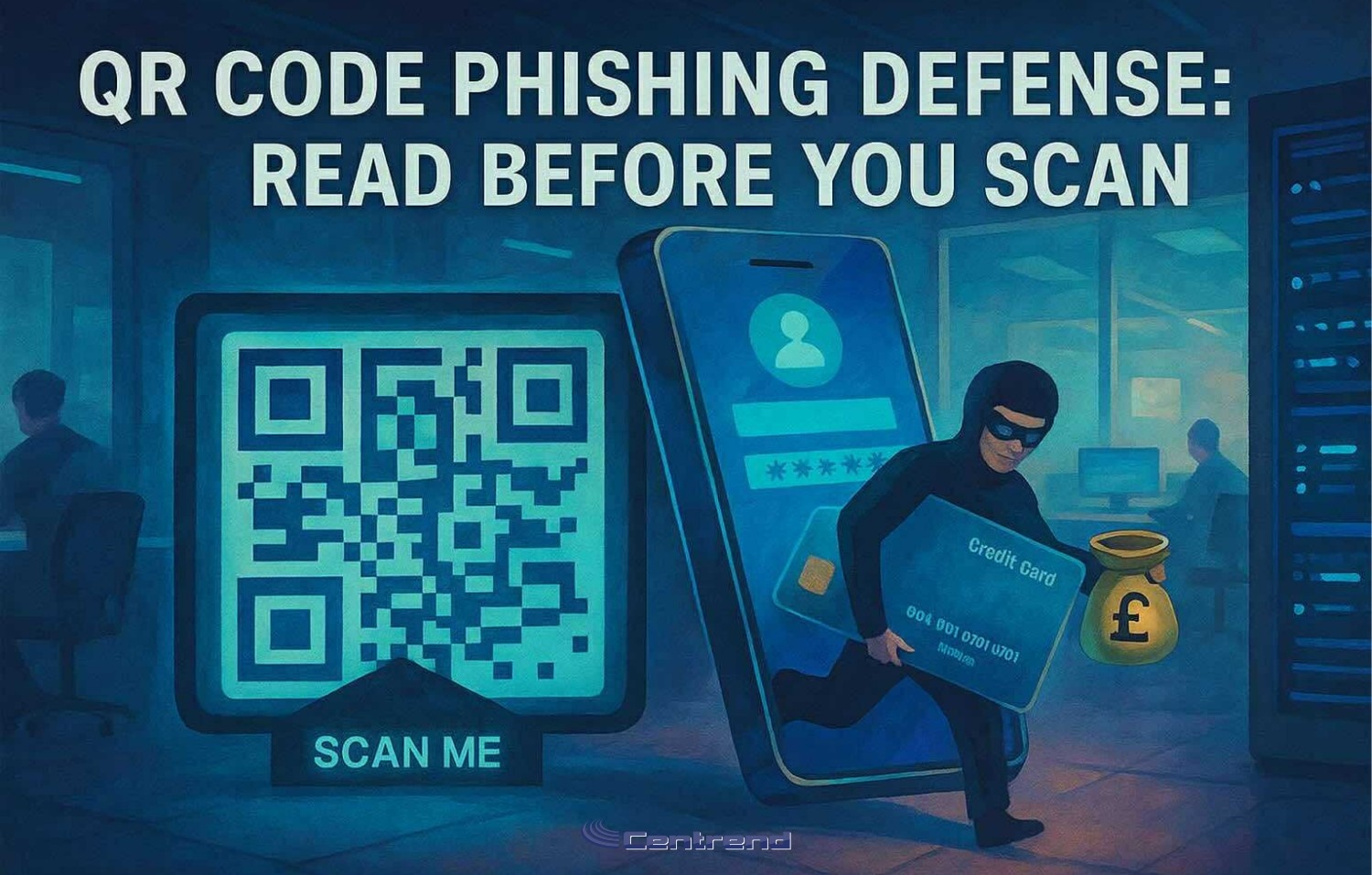
Illustration of a masked hacker stealing credit card data through a QR code scam, with a “Scan Me” sign and smartphone in a dark office setting

QR Code Phishing Defense: Read Before You Scan

QR Code Phishing Defense.One sticker. One poster. One scan.That’s all it takes for a credential theft or payment fraud. QR phishing is on the rise and it’s not by accident.Attackers are shifting away from email to target your phone, where security filters fall short and domain previews are harder to verify. In 2025, we’ve seen a sharp uptick in QR-based scams like fake parking meter stickers and “track your package” codes that lead to spoofed login pages. They’re fast, convincing, and built to sidestep everything your email gateway protects. One scan is all it takes. QR Code Phishing: Build Habits, Not Just Warnings Turn everyday scans into second-nature security. What to do in the moment: Pause → PreviewBefore scanning, check if your phone can preview the destination. If the code’s already scanned, long-press the link and inspect it. Look closely at the domain: misspelled brands, extra characters, or odd endings like .co instead of .com are major red flags. Verify → Use Official Apps When it comes to payments parking, utilities, deliveries don’t trust a sticker or flyer. Use the official app or a saved bookmark instead of following an unfamiliar QR code. Report → Share FastIf it feels off, report it. Right away.Your early warning can help stop a scam before it spreads. Make it easy to say, “This looks weird” no judgment, just shared vigilance. QR Phishing Defense, What to set up this week “Scan-or-Skip?” DrillGrab three QR examples one real, two risky. Ask your team: which one would you trust? Why? Build pattern recognition through discussion, not fear. Parking & Package PSAPin a quick reminder: “Don’t scan QR codes on meters or surprise deliveries. Use the app.” Simple, visual, easy to remember. Passwordless PushWhere you can, shift critical logins to phishing-resistant authentication (FIDO/WebAuthn). That one move can blunt the impact of a bad scan. What’s Happening Out There Malicious QR Codes Are EverywhereIn Q2 2025 alone, over 635,000 unique malicious QR codes were detected and 1.7 million+ in the six months prior. Scams in the WildQR stickers placed on parking meters and signage have scammed drivers and harvested payments. Consumer alerts are ongoing. FBI Warnings ContinueLaw enforcement has flagged suspicious QR codes on unsolicited packages—designed to steal login credentials or push malware. Final Takeaway You can’t filter a scan.But you can build habits that pause, preview, verify and report. That one extra second?It could be your strongest layer of defense. Want a ready-to-use “QR Spot Check” drill for your team?Let’s connect we’ll walk you through a short rollout plan tailored to your workflows. No pressure, just prevention. [Book Your FREE QR Spot Check Drill Today]

QR Code Phishing Defense: Read Before You Scan Read More »

IT Habits That Put Your Business at Risk

“And no, it’s not just about antivirus software, it’s the everyday IT habits that put your business at risk.” You’ve invested in cybersecurity tools, policies, and training, but breaches still happen. Why? It’s often the small IT habits that put your business at risk. Because attackers don’t always need sophisticated tactics.They exploit simple habits.An unlocked laptop A reused passwordOne careless click These small, everyday actions often create the biggest risks, and they’re exactly what cybercriminals look for. In this post, we’ll cover 5 Essential IT Habits that quietly shape your security posture, and how fixing them can close the gaps most tools miss 1. Lock Your Devices Always Why it Matters: One unlocked screen can expose sensitive files, emails, or client data in seconds. Whether you’re at your desk or in a coffee shop, leaving your system open is like leaving your front door wide open. Pro Tip: Set auto-lock timers to activate after 5 to 10 minutes of inactivity. It’s simple, invisible, and crucial. 2. Reused Passwords, Cybersecurity Habit That Puts Your Business at Risk Why it Matters: Hackers love when people reuse passwords. Once they crack one account, they’ll try it everywhere. That one shared password could lead to email hijacks, data theft, or full system lockout. Fix it Fast: Start using password managers like BitWarden, 1Password, or LastPass. And always enable Multi-Factor Authentication (MFA) it’s your second layer of defense. 3. Skipping Software Updates Can Put Your Business at Risk Why it Matters: Every “Remind me Later” click is a missed patch for an existing vulnerability. Outdated software is one of the easiest ways hackers break in. Make it Routine: Set a weekly calendar reminder. Fridays are perfect to update all devices and apps before the weekend. 4. Don’t Click That Link Train Your Team to Spot Phishing Why it Matters: Phishing emails are still the #1 gateway to ransomware and data breaches. It only takes one careless click to infect your entire network. What Works: Use phishing simulation tools like BullPhish (we recommend it at Centrend) to run internal tests and strengthen your team’s instincts. 5. No Backup, No Recovery Why it Matters: When ransomware hits or a device fails, your backups are the only thing standing between you and total data loss. Best Practice: Set up automated backups, store copies in multiple secure locations (cloud and offsite), and test them monthly to make sure they work. What These Habits Really Mean for Your Business Cybersecurity isn’t just about advanced tools  it’s about daily discipline. These habits don’t take much time, but they can mean the difference between a normal Monday and a total Business Shutdown. Get Ahead of IT Threats. Before They Get Ahead of You Don’t wait for a Wake-up Call.Book Your FREE Cybersecurity Risk AssessmentNo pressure. No jargon. Just clarity on where your risks are hiding and how to close the gaps before attackers find them.

IT Habits That Put Your Business at Risk Read More »

Scroll to Top