
Centrend

Security Best Practices

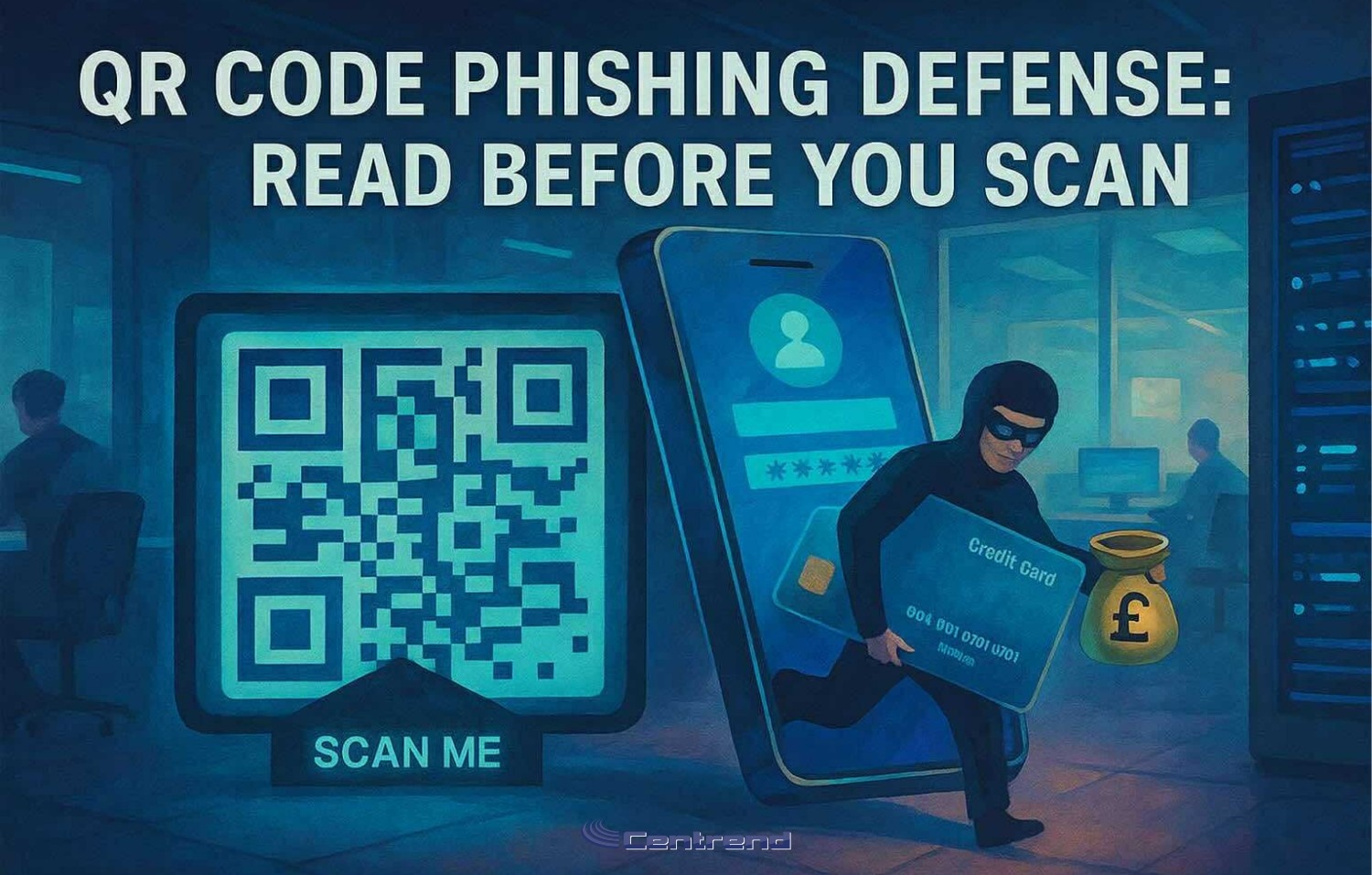
Illustration of a masked hacker stealing credit card data through a QR code scam, with a “Scan Me” sign and smartphone in a dark office setting

QR Code Phishing Defense: Read Before You Scan

QR Code Phishing Defense.One sticker. One poster. One scan.That’s all it takes for a credential theft or payment fraud. QR phishing is on the rise and it’s not by accident.Attackers are shifting away from email to target your phone, where security filters fall short and domain previews are harder to verify. In 2025, we’ve seen a sharp uptick in QR-based scams like fake parking meter stickers and “track your package” codes that lead to spoofed login pages. They’re fast, convincing, and built to sidestep everything your email gateway protects. One scan is all it takes. QR Code Phishing: Build Habits, Not Just Warnings Turn everyday scans into second-nature security. What to do in the moment: Pause → PreviewBefore scanning, check if your phone can preview the destination. If the code’s already scanned, long-press the link and inspect it. Look closely at the domain: misspelled brands, extra characters, or odd endings like .co instead of .com are major red flags. Verify → Use Official Apps When it comes to payments parking, utilities, deliveries don’t trust a sticker or flyer. Use the official app or a saved bookmark instead of following an unfamiliar QR code. Report → Share FastIf it feels off, report it. Right away.Your early warning can help stop a scam before it spreads. Make it easy to say, “This looks weird” no judgment, just shared vigilance. QR Phishing Defense, What to set up this week “Scan-or-Skip?” DrillGrab three QR examples one real, two risky. Ask your team: which one would you trust? Why? Build pattern recognition through discussion, not fear. Parking & Package PSAPin a quick reminder: “Don’t scan QR codes on meters or surprise deliveries. Use the app.” Simple, visual, easy to remember. Passwordless PushWhere you can, shift critical logins to phishing-resistant authentication (FIDO/WebAuthn). That one move can blunt the impact of a bad scan. What’s Happening Out There Malicious QR Codes Are EverywhereIn Q2 2025 alone, over 635,000 unique malicious QR codes were detected and 1.7 million+ in the six months prior. Scams in the WildQR stickers placed on parking meters and signage have scammed drivers and harvested payments. Consumer alerts are ongoing. FBI Warnings ContinueLaw enforcement has flagged suspicious QR codes on unsolicited packages—designed to steal login credentials or push malware. Final Takeaway You can’t filter a scan.But you can build habits that pause, preview, verify and report. That one extra second?It could be your strongest layer of defense. Want a ready-to-use “QR Spot Check” drill for your team?Let’s connect we’ll walk you through a short rollout plan tailored to your workflows. No pressure, just prevention. [Book Your FREE QR Spot Check Drill Today]

QR Code Phishing Defense: Read Before You Scan Read More »
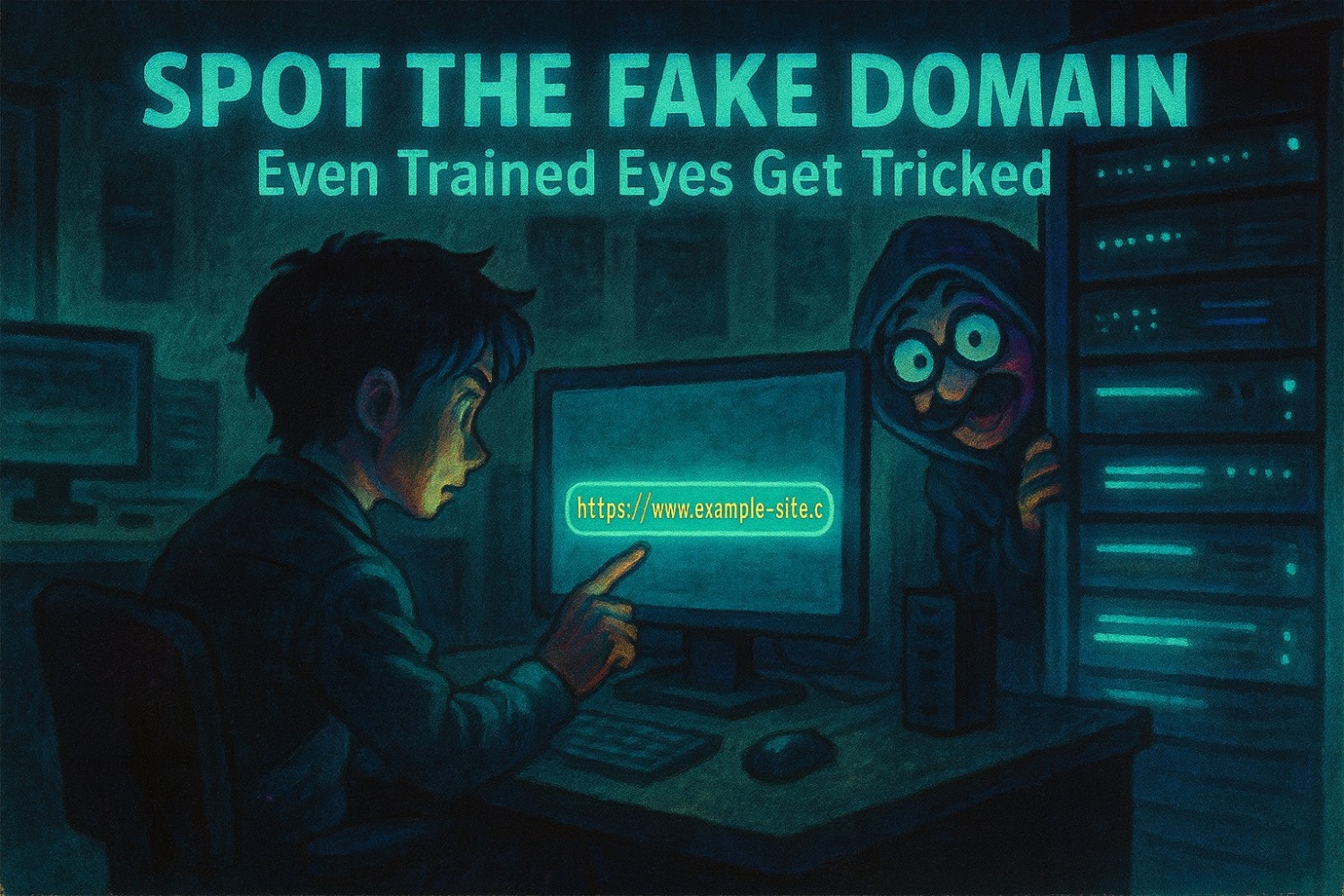
Spot the Fake Domain That Outsmarts Even the Trained Eye

Spot the Fake Domain Before it’s too late.One quick skim.One login screen.One domain that almost looked right. That’s all it takes for credentials to be handed over without anyone realizing until it’s too late. Even experienced users fall for fake domains.Why? Because they’re designed to win at speed to blend in, feel familiar, and never trigger a second glance. Cybercriminals aren’t just sending spam anymore.They’re crafting nearly flawless copies of your trusted tools, brands, and URLs. And the smartest person in the room?They’re often the first to click. Spot the Fake Domain that Tricks Smart Users These aren’t obvious scams.They’re visual replicas built to trick muscle memory, not just judgment. Here’s how they get past your filters and your instincts: No malware. No red flags. Just one wrong domain in a sea of legit ones. Spot the Fake Domain that Even Smart Users Miss It It’s not carelessness. It’s design. People are wired to move quickly especially in digital spaces they trust.And when attackers lean on that trust, they don’t need to exploit a system…They just need a moment. That’s why even trained professionals fall for lookalike domains.Because training builds knowledge.But real protection requires instinct. Spot the Fake Domain to Build URL Awareness as a Habit Spotting fake domains isn’t about memorizing a checklist.It’s about creating a culture where people slow down just enough to catch what software can’t. Here’s how to start building that awareness: 1. Run Internal “URL Spot Checks” Drop two similar links into a team chat or training slide.One legit. One fake.Ask: Which one is safe? It’s fast. It’s visual. And it builds pattern recognition without pressure. 2. Highlight Real Phishing Domain Tricks Don’t train with overly fake examples.Use real red flags from recent campaigns: Let your team see what real attackers actually do. 3. Make Reporting Safe and Simple Sometimes someone spots a sketchy link but hesitates to report it.Fix that. Make “I think this looks weird” a welcome phrase not a moment of embarrassment.A shared Slack channel. A pinned email. A visual checklist.Whatever makes reporting fast and judgement-free. Cybersecurity That Starts Before the Click The best phishing emails don’t scream “I’m a scam.”They whisper, “You’ve seen me before.” And unless your people are trained to stop and lookThe message gets through. So does the damage. But if they pause long enough to catch the subtle switch?That one second becomes your strongest defense. Final Takeaway Technology stops a lot.But fake domains are built to outsmart habits not just firewalls. If you want your team to really spot what matters,you need more than policies.You need training that teaches people to see what tools don’t. Want to help your team build that instinct?Let’s talk. We’ll walk you through simple ways to reduce risk without adding more noise.[Book a time that works for you]

Spot the Fake Domain That Outsmarts Even the Trained Eye Read More »

Scroll to Top