
Centrend

passkeys

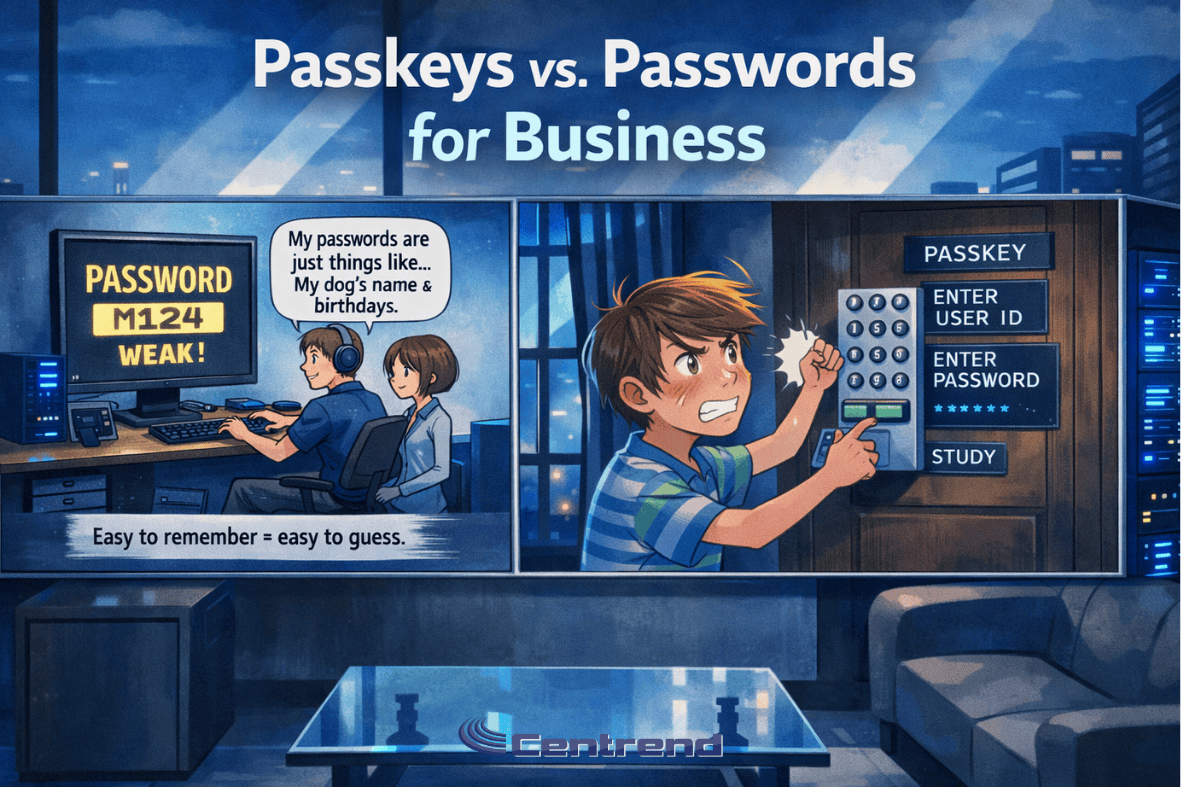
Passkeys vs Passcodes blog image showing an anime-style modern IT office with two panels comparing weak passwords and stronger passkey-based login security.

Passkeys vs Passwords for Business

Passkeys vs Passcodes Passwords have protected business accounts for decades, but today they are also one of the easiest ways for attackers to break in. What once worked is now one of the biggest security risks companies face. Why it matters Most cyberattacks start with compromised credentials. One stolen password can give an attacker access to email, financial tools, cloud platforms, and customer data. This is no longer just an IT issue. It is a direct business risk. The 3 Password Problems Businesses Still Face Password Reuse Spreads RiskMany employees reuse passwords across multiple tools. When one account gets exposed, attackers try that same login across the business. Phishing Still WinsA strong password cannot stop a fake login page. If an employee enters credentials into the wrong site, attackers can gain access in minutes. Password Management Slows Teams DownResets, lockouts, and forgotten logins waste time and frustrate employees. Security should protect the business, not slow it down. 🔍 Dig Deeper: Why Businesses Are Moving to Passkeys Passwords put too much pressure on people. Passkeys remove that burden and give businesses a stronger way to protect accounts. 1. Passwords Can Be Stolen Attackers guess, reuse, and phish passwords every day. Passkeys block those common attacks because users do not type them into websites. 2. Passkeys Make Login Easier Employees do not need to remember long, complex passwords. They can sign in with a fingerprint, face scan, or device unlock. 3. Passkeys Cut Phishing Risk Fake login pages trick people into giving away passwords. Passkeys stop that attack because they only work with the correct site or app. Stop Depending on Weak Login Habits Passwords alone no longer give businesses enough protection. If you want stronger security, fewer login problems, and better protection against phishing, passkeys offer a smarter path forward. Your team should spend less time managing passwords and more time running the business. Protect access. Reduce risk. Move forward with confidence. [Request a Security Review][Schedule a Consultation]

Passkeys vs Passwords for Business Read More »
Accounts payable clerk confirms invoice by callback to stop AI voice email scams.

AI Voice Email Scams: Verify Before You Pay

Verify Before You Pay: Stop AI Voice and Email Scams.“It sounds like your boss.““It looks like your vendor.”“But it’s not.“ With AI, scammers can now clone voices, mimic writing styles, and craft emails that feel urgent, real, and impossible to ignore. One wrong click or a rushed “yes” can drain thousands from your account. The fix? Pause. Confirm. Then Pay. The Scam Setup: It’s More Convincing Than Ever The FTC warns: voice-cloning makes fake requests feel real.FBI reports: AI-generated voice and email scams are growing.IC3 data: Business Email Compromise (BEC) losses exceed $2.9 billion annually. The One-Page Playbook: Verify AI Voice Email Scams Use this for every invoice, every bank update, and every urgent request. ➤ First, call back using a known number Do not trust numbers in the message. Use the contact saved in your system or CRM.Even if it sounds like your CFO, confirm on their known number. ➤ Next, require two-person approval For risky payments or any banking changes, get two written approvals.Keep the record in one shared folder or an approval tool. ➤ Then, place first-time or changed accounts on a 24-hour hold If the account is new or modified, pause for one day. Use that time to verify by callback.Most scams rely on urgency, your delay blocks them. ➤ Meanwhile, use a code phrase for urgent asks Create a short, private phrase your team knows.If a caller cannot repeat it, stop. ➤ Also, log everything where all can see Use Teams Approvals in Microsoft 365 to record actions, names, and timestamps.Clear trails keep your team aligned and ready for audits. ➤ Finally, report every attempt If something felt off, document it.If money moved, call your bank at once and report at IC3.gov. Callback Script (read this word-for-word) Hi [Name], I’m calling on our known number because urgent payment requests can be faked, to avoid a costly mistake, please confirm the invoice number and amount, then the last four digits of the bank account on file, and finally who requested the change and when we’ll proceed only after this confirmation. Extra Guardrails that actually work 1) Start with stronger sign-ins.Move to phishing-resistant MFA and passkeys in Microsoft Entra ID. These methods block many login-theft tactics and cut off scams at the source. 2) Then watch for session-stealing kits.Some tools can grab cookies and bypass basic MFA. Upgrading to phishing-resistant methods and tightening endpoint controls reduces this risk. Train your team in 10 minutes First, run a quick role-play.Assign a “fake CFO” and a finance clerk who follows the callback script without bending the rules. Next, post a simple reminder.Place signs near desks and in Teams: No Callback, No Payment. Finally, repeat monthly.Short refreshers keep the habit strong. If you think you slipped Immediately call your bank to freeze or recall the transfer. Next, notify the vendor in case their account was spoofed. Then report the incident at IC3.gov and save every record for investigators. Want to Put This in Place? Centrend can help you: Secure your Defenses Now 📞Book your AI CyberDefense Today

AI Voice Email Scams: Verify Before You Pay Read More »

Scroll to Top