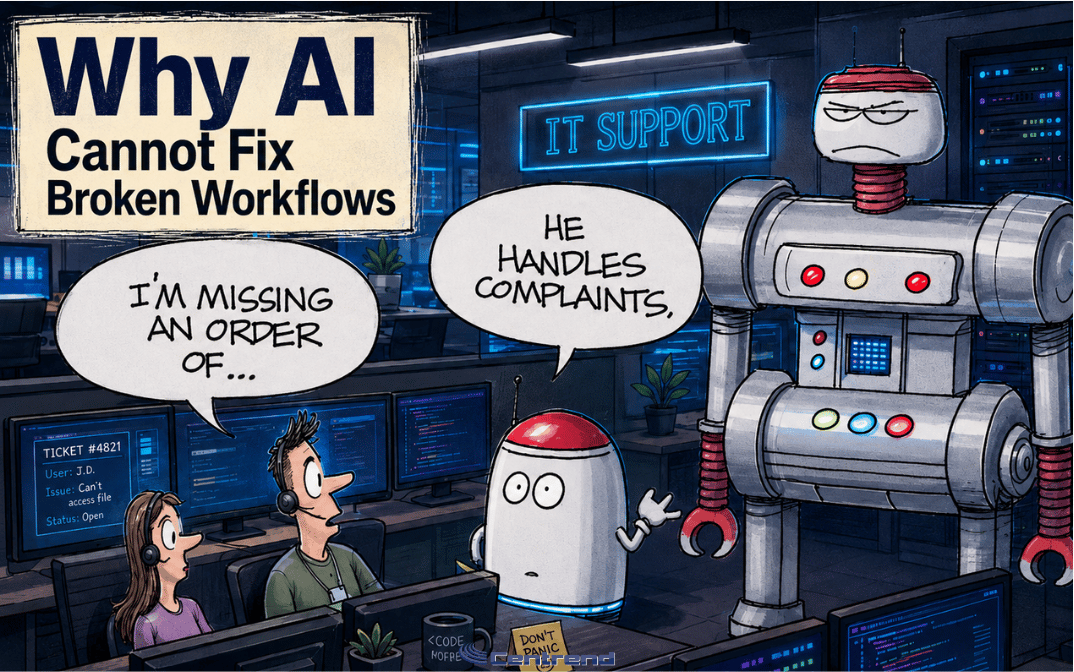

ERP Workflow Problems Slow Your Team Down
ERP Workflow Problems can quietly create more work for your team instead of reducing it. That is a serious issue. Your ERP should help people work faster, make better decisions, and trust the information in front of them. But when the system is disconnected, poorly structured, or difficult to use, it can do the opposite. It can slow the business down. The problem Many businesses invest in ERP software expecting cleaner workflows and better reporting. But the software alone does not fix the process. If teams still enter the same information in multiple places, chase missing details, rely on spreadsheets, or wait too long for reports, the ERP is not reducing work. It is creating more of it. That usually leads to: The issue is not always the ERP itself. Sometimes the bigger issue is how the system is set up, connected, used, and supported. Why this matters An ERP touches important parts of the business. Orders.Inventory.Accounting.Purchasing.Reporting.Operations.Customer information. When the workflow is unclear, the impact spreads quickly. A small data issue can affect reporting. A missing step can delay an order. A disconnected process can create extra work for multiple teams. A report that takes too long to prepare can slow down leadership decisions. That is why ERP problems should not be treated as small system annoyances. They are business workflow problems. The real cost of disconnected ERP workflows Disconnected ERP workflows do not always look like major failures. They often show up as daily friction. A team member enters the same information twice. Someone exports data into a spreadsheet because the report is not easy to use. A manager waits for another department to confirm details manually. A customer update gets delayed because the information is not in one clear place. Each issue may seem small. Together, they cost time, focus, and confidence. Your ERP should make work easier to manage. It should not force your team to build workarounds just to get through the day. Better ERP starts with the process Before adding another tool, report, or workaround, the process needs to be clear. Ask simple questions: These questions help reveal whether the issue is the software, the workflow, the data, the training, or the connection between systems. That clarity matters. Because better ERP results usually start before the technical fix. What a better ERP workflow should do A strong ERP workflow should help the business move with less confusion. It should help teams: The goal is not to make the ERP more complicated. The goal is to make the business process cleaner. How Centrend helps Centrend helps businesses look beyond the software and focus on the workflow behind it. That means reviewing how the ERP supports daily operations, where teams are losing time, where reporting gaps exist, and where better structure or integration can reduce friction. The focus is practical. Cleaner processes.Clearer reporting.Better system alignment.Less duplicated work.Stronger business visibility. Centrend helps guide businesses toward ERP improvements that make the system easier to use and more valuable to the people who rely on it every day. TL;DR Make ERP work better for your business Your ERP should support your team, not slow it down. If your business is dealing with duplicate entry, disconnected workflows, poor reporting, or too many manual workarounds, it may be time to review the process behind the system. Talk to Centrend about building cleaner ERP workflows and stronger business systems.
ERP Workflow Problems Slow Your Team Down Read More »