
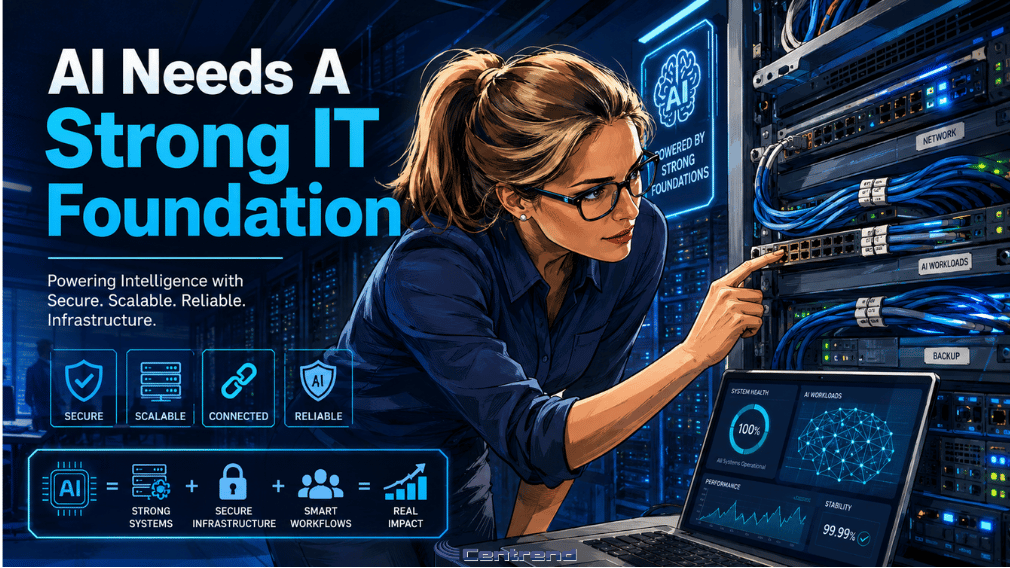
AI Needs a Strong IT Foundation
AI needs reliable, secure, and connected systems to deliver real business value. Businesses are investing in AI to reduce repetitive work, improve reporting, organize information, and help teams move faster. But when the IT environment is outdated, disconnected, or poorly secured, AI cannot deliver reliable results. It may simply expose the problems that were already there. The problem: AI depends on your existing systems AI does not operate in isolation. It relies on: When those systems do not work well together, AI has less dependable information to use. The result can be: A powerful AI tool cannot compensate for a weak technology foundation. Why this matters Many businesses begin their AI journey by asking: Which tool should we use? The better question is: Is our IT environment ready to support it? A new AI platform may look impressive during a demonstration. But once it needs to connect with an ERP system, customer database, shared drive, email platform, or internal workflow, hidden problems can surface quickly. Outdated software may not integrate properly. Different departments may store conflicting versions of the same information. Employees may rely on manual workarounds that no one has documented. Access permissions may be broader than they should be. Instead of removing work, AI can create another layer for the team to manage. Five signs your IT foundation may not be ready 1. Your systems do not communicate Information may be spread across accounting software, spreadsheets, email, CRM platforms, shared drives, and ERP systems. If employees must repeatedly copy information between tools, AI will likely face the same disconnected process. 2. Your business data is inconsistent AI needs reliable information. Duplicate customer records, outdated documents, incomplete fields, and conflicting reports can weaken the result, even when the AI response sounds confident. 3. Your software is outdated Older applications may lack secure integrations, modern APIs, vendor support, or the performance needed for new AI workflows. Connecting AI to unsupported systems can create technical problems and unnecessary risk. 4. Access control is unclear AI should not automatically have access to every document, customer record, financial file, or employee folder. Permissions must be defined before information is connected to an AI tool. 5. Security gaps already exist Weak passwords, shared accounts, delayed updates, unmanaged devices, and poor monitoring do not disappear when AI is introduced. They become part of the AI risk. AI can amplify existing problems AI is designed to move information and complete tasks faster. That is valuable when the underlying process is clear and secure. But speed can also make weak systems harder to control. AI may retrieve outdated files faster. It may move incorrect information between disconnected platforms. Or give more users access to data that was already poorly protected. It may automate a process that still depends on manual corrections. Before adding AI, businesses should understand what the technology is being connected to. What a strong AI foundation looks like Reliable managed IT Networks, devices, applications, backups, and support systems should be stable enough to handle new workflows without creating disruption. Connected business systems ERP, CRM, accounting, communication, and document platforms should exchange information clearly where integration is required. Organized business data Important records should be accurate, current, and stored in approved locations. Strong cybersecurity controls Access should follow the principle of least privilege, with multifactor authentication, secure devices, updated systems, and appropriate monitoring. Clear workflow ownership The business should know: Technology works better when responsibility is clear. Start with an IT readiness review Before investing in another AI platform, review the environment it will depend on. Ask: These questions can prevent an exciting AI project from becoming an expensive technical problem. Build the foundation before scaling Businesses do not need to modernize everything at once. Start with the systems connected to the first AI use case. Review the workflow. Fix the most important gaps. Secure the access. Test the integration. Measure the result. Then expand only when the environment can support it. The goal is not simply to add AI. The goal is to make AI dependable. The bottom line AI can help businesses work faster, organize information, and reduce repetitive tasks. But it cannot create reliable value from outdated systems, disconnected tools, weak security, or poor data. Before adding AI, strengthen the foundation beneath it. Because smarter technology still needs reliable IT. Build an IT foundation ready for AI Centrend helps businesses evaluate their technology environment, improve system integration, strengthen cybersecurity, and prepare existing workflows for practical AI use. Not sure whether your IT environment is ready for AI? Contact Centrend to identify the gaps, strengthen the foundation, and build a clearer path forward. Ready to turn AI ideas into practical business value? Download the Centrend AI brochure to explore our services, process, safeguards, and approach to responsible AI adoption.
AI Needs a Strong IT Foundation Read More »