
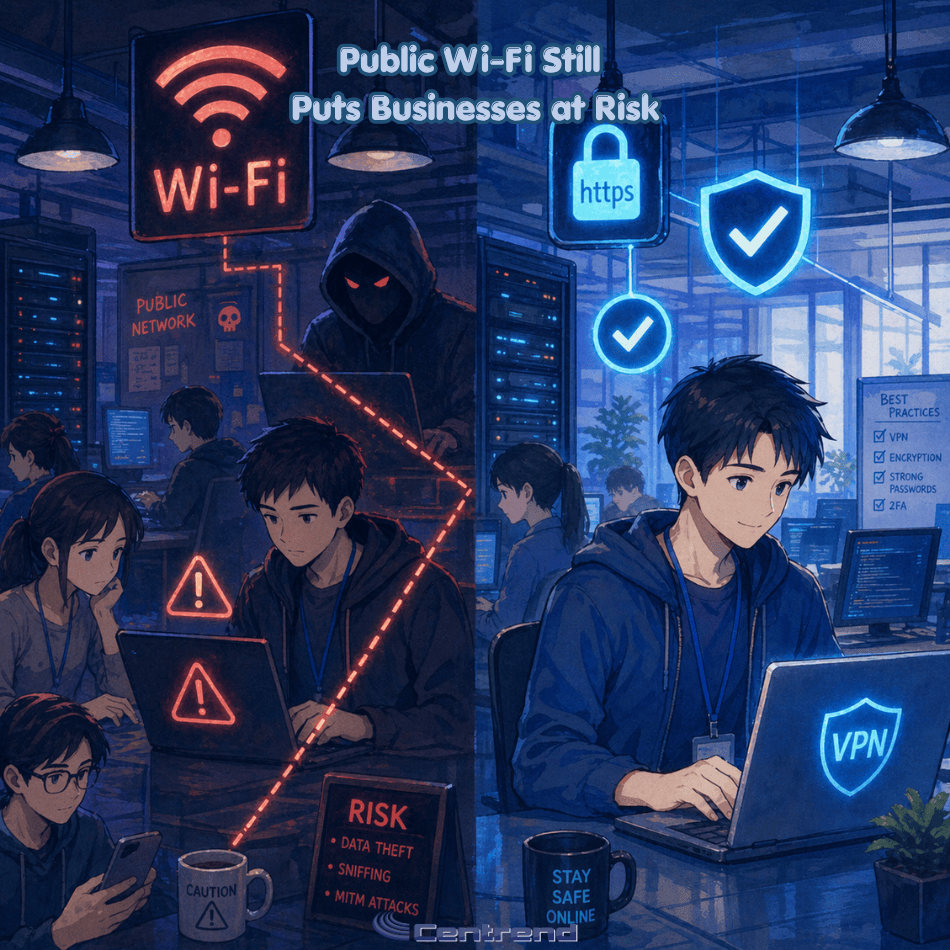
Public Wi-Fi feels convenient, fast, and harmless. But for businesses, it can quietly open the door to stolen data, compromised accounts, and costly security issues that are easy to overlook until the damage is already done.
Why this matters
Your team does not need to be in the office to put the business at risk. A quick login from an airport, hotel, coffee shop, or shared workspace can expose sensitive information if the connection is not secure.
What looks like a simple way to get work done can become an easy path for cybercriminals to intercept data, mimic trusted networks, or target employee logins.
The problem
Public Wi-Fi is often used without a second thought.
Employees connect to check email, access files, log into business apps, or handle customer information while traveling or working remotely. The problem is that public networks are not built with your business security in mind.
Some networks are poorly secured. Others are fake hotspots designed to look legitimate. In both cases, your business data can be left exposed.
What is at risk
A risky public connection can lead to:
- Stolen login credentials
- Exposed emails and files
- Unauthorized account access
- Compromised customer or company data
- Greater chances of phishing and follow-up attacks
One weak connection can create a much bigger problem than most businesses expect.
Why businesses should take this seriously
Cybersecurity issues do not always start with a major system failure. Sometimes they start with one employee connecting to the wrong network for a few minutes.
That is what makes public Wi-Fi risky. It feels routine. It feels small. But small habits can create big openings.
For a business, that can mean downtime, recovery costs, damaged trust, and avoidable stress for both leadership and staff.
What businesses should do instead
The good news is this risk is manageable.
Businesses can reduce exposure by putting a few practical safeguards in place:
- Require employees to avoid sensitive work on public Wi-Fi when possible
- Use a trusted VPN for remote connections
- Turn on multi-factor authentication across business accounts
- Train employees to verify network names before connecting
- Keep devices updated with current security protections
- Use company-approved access policies for remote work and travel
These steps are simple, but they make a real difference.
The bottom line
Public Wi-Fi is convenient, but convenience should never come before protection.
If your team works from airports, hotels, coffee shops, client sites, or anywhere outside the office, this is not just an employee habit issue. It is a business security issue.
The safer approach is not to rely on public networks as if they are trustworthy. It is to assume risk is there and prepare for it before it becomes a problem.
Final thought
Strong cybersecurity is not only about stopping major attacks. It is also about closing the small gaps that attackers count on.
Public Wi-Fi is one of those gaps. And for businesses that want to protect operations, data, and trust, it is a risk worth taking seriously.
Need help securing your business? Book a consultation or contact us to talk through safer remote access and cybersecurity support.