
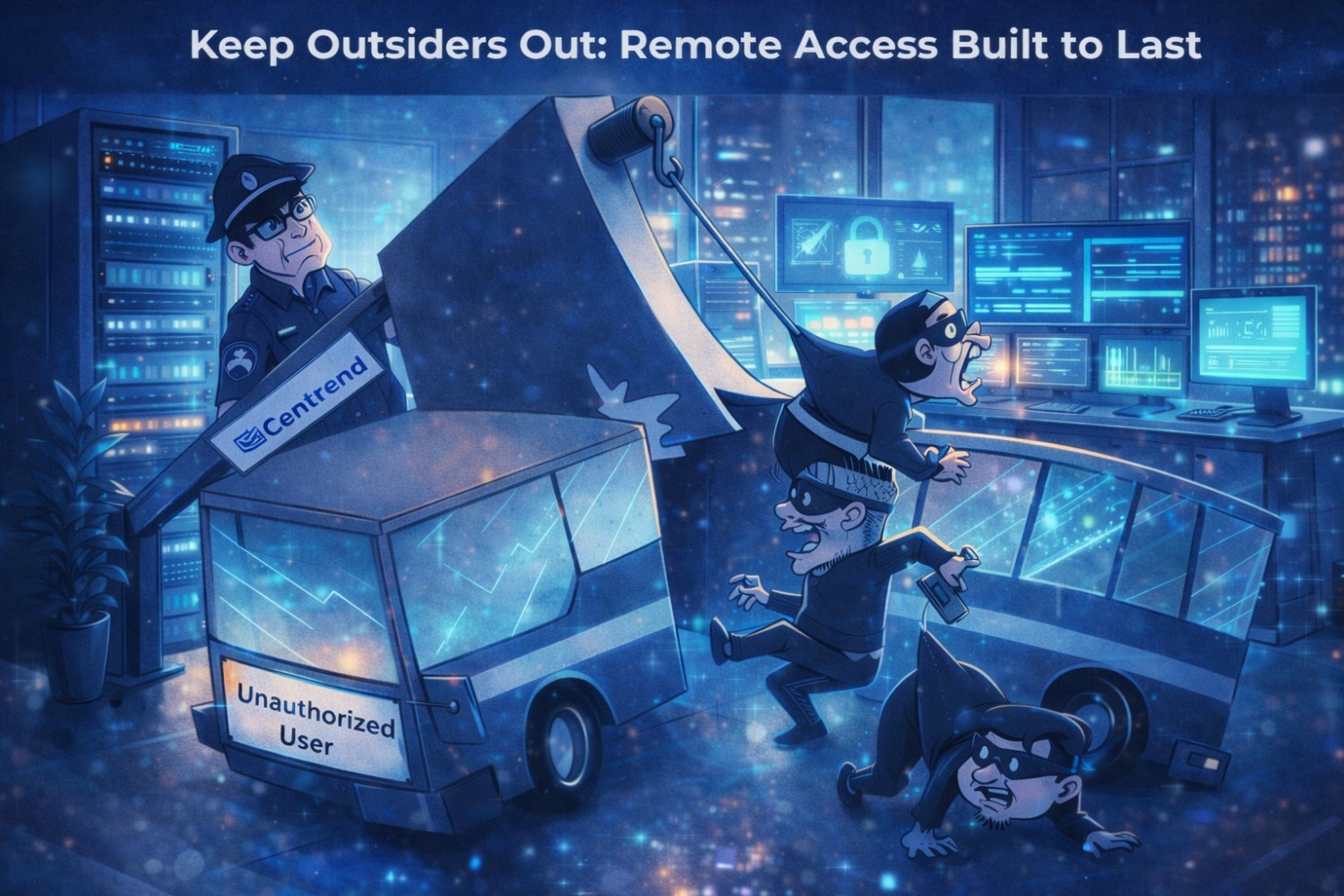
Keep Outsiders Out is not a slogan. It is a daily requirement for any team that works remote, uses cloud apps, or touches controlled data.
Because today, the “front door” to your business is not your office lobby.
It is your login screen.
And when remote access is loose, attackers do not need to break in.
They simply sign in.
At Centrend, we help organizations tighten remote access the right way. No drama. No slowdowns. Just clean controls that protect your team and support compliance, including CMMC Level 2 expectations.
Remote access is where most teams get exposed
Most security plans sound strong until someone is working from a hotel Wi-Fi, a personal device, or a rushed “quick login” at night.
That is when gaps show up like:
- Shared credentials
- Weak VPN setups
- No MFA, or MFA that is easy to bypass
- Too much access after sign-in
- No real logging trail
- No clear response steps when something looks off
Remote work is normal now. That means remote access must be built like a core system, not an afterthought.
The remote access controls that actually keep outsiders out
Here are the controls that make the biggest difference, without making work miserable.
1) Strong MFA that is not easy to trick
Basic MFA is better than nothing, but attackers have learned how to push people into approving logins.
Better options include:
- Number matching or phishing-resistant MFA
- Conditional MFA prompts based on risk
- Blocking legacy sign-in methods
If your users can approve a login without thinking, an attacker can win with one well-timed push.
2) Least privilege access
Keep outsiders out. A login should not equal full access.
Strong remote access uses:
- Role-based permissions
- Separate admin accounts
- Time-limited elevated access
- Locked-down file shares and cloud apps
This limits damage even if a credential is compromised.
3) Device checks before access is granted
If a device is outdated, unmanaged, or missing protection, it should not touch your systems.
Good “device trust” checks include:
- Managed device requirement
- Minimum OS version rules
- Encryption enabled
- Endpoint security present and healthy
This keeps personal laptops and risky machines from becoming silent entry points.
4) VPN, ZTNA, and “access paths” that stay reliable
Many teams still rely on one remote access path and hope it never breaks.
But outages happen. Provider issues happen. Configuration mistakes happen.
Resilient setups include:
- A primary access path and a backup
- DNS and identity failover planning
- Tested runbooks that tell your team what to do
- Clear user communication steps
When access is designed this way, a “bad internet day” becomes a detour, not a shutdown.
5) Logging that proves what happened
For compliance and real-world response, logs matter so keep outsiders out.
Your remote access trail should answer:
- Who signed in
- From where
- On what device
- What they accessed
- What changed
- What was blocked
This is where many teams fail audits. Not because they are unsafe, but because they cannot prove they are safe.
The CMMC angle: remote access needs to be defendable
If you are in the DoD supply chain, remote access is not just an IT decision.
It is part of your ability to stay eligible.
Strong access controls support areas CMMC assessors expect to see in practice, like:
- Identity control
- Access limits
- Device protection
- Audit logs
- Incident response readiness
Remote access should not only “work.”
It should hold up during a real review and during a real incident.
Quick checklist: is your remote access actually strong?
If you can answer “yes” to most of these, you are in a good place:
- MFA is required for all remote access
- Legacy authentication is blocked
- Users get only the access they need
- Admin access is separate and controlled
- Devices must meet basic security rules
- Suspicious logins trigger alerts
- Logs are collected and stored securely
- There is a simple runbook for outages or lockouts
If several of these are “not sure,” that is your signal.
How Centrend helps
Centrend helps teams secure remote access without slowing everyone down.
We support you with:
- Remote access assessment and cleanup
- MFA hardening and safer login flows
- Device trust rules and endpoint controls
- Least privilege design and admin separation
- Logging, alerting, and audit-ready evidence
- Runbooks that your team can actually follow
It is not about adding tools.
It is about building a remote access setup that stays solid all year.
Keep outsiders out, and keep work moving
Remote work will always be remote.
The difference is whether your access is tight, calm, and proven.
If you want a simple outside review of your remote access controls, Centrend can run a short Remote Access Controls Check and leave you with a clear action list.
Book a Remote Access Security Check with Centrend → BookYourRemoteITCheck
FAQ
What are remote access controls?
Remote access controls are the security rules that decide who can sign in, from what device, and what they are allowed to reach after login.
Does CMMC Level 2 require MFA?
CMMC Level 2 aligns with NIST SP 800-171 practices, which include multi-factor authentication for certain access scenarios and strong access control expectations overall.
Source: https://csrc.nist.gov/publications/detail/sp/800-171/rev-2/final
What is the biggest remote access risk for small teams?
Weak MFA, shared credentials, unmanaged devices, and excessive permissions are the most common issues.
Can remote access be secure without making users miserable?
Yes. The goal is “secure by default,” with fewer manual steps and fewer risky workarounds.